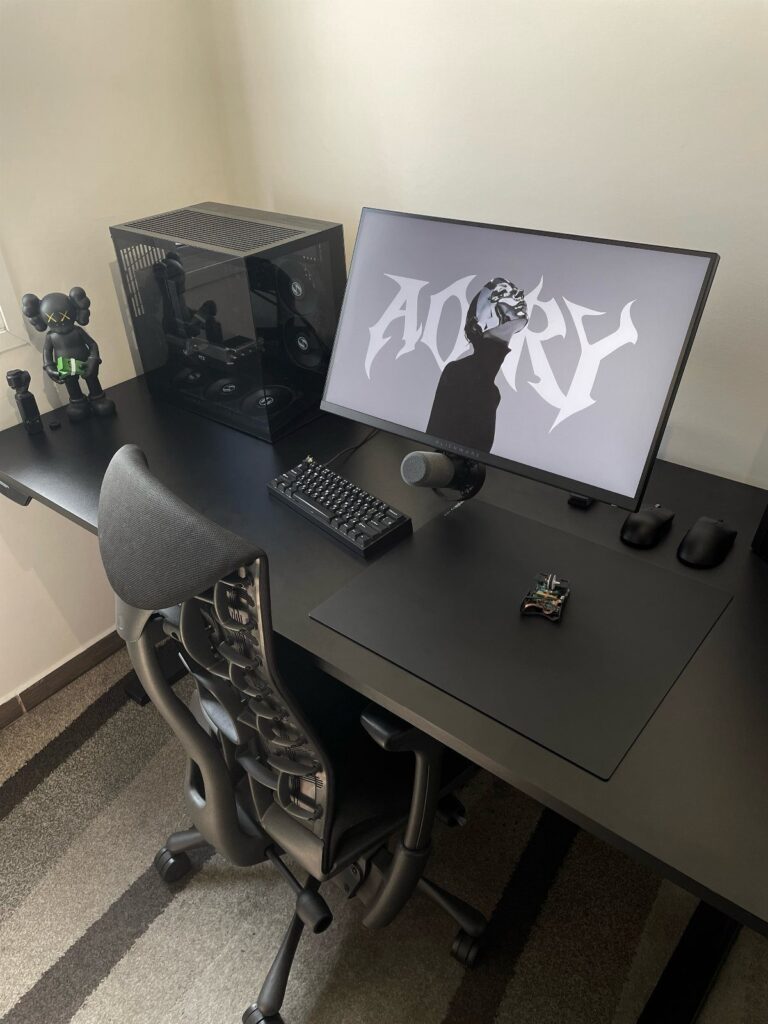
Black gaming setups range from a desk and LED strip combo to a full racing cockpit with monitor mounts and surround sound.
Your room layout decides whether you build around a simple desk or commit floor space to a cockpit frame.
Matte black finishes hide dust and fingerprints better than glossy surfaces, and monochrome components inside a tempered glass case let even small amounts of RGB lighting stand out sharply against the dark hardware.
1. Black Cable Management Solutions
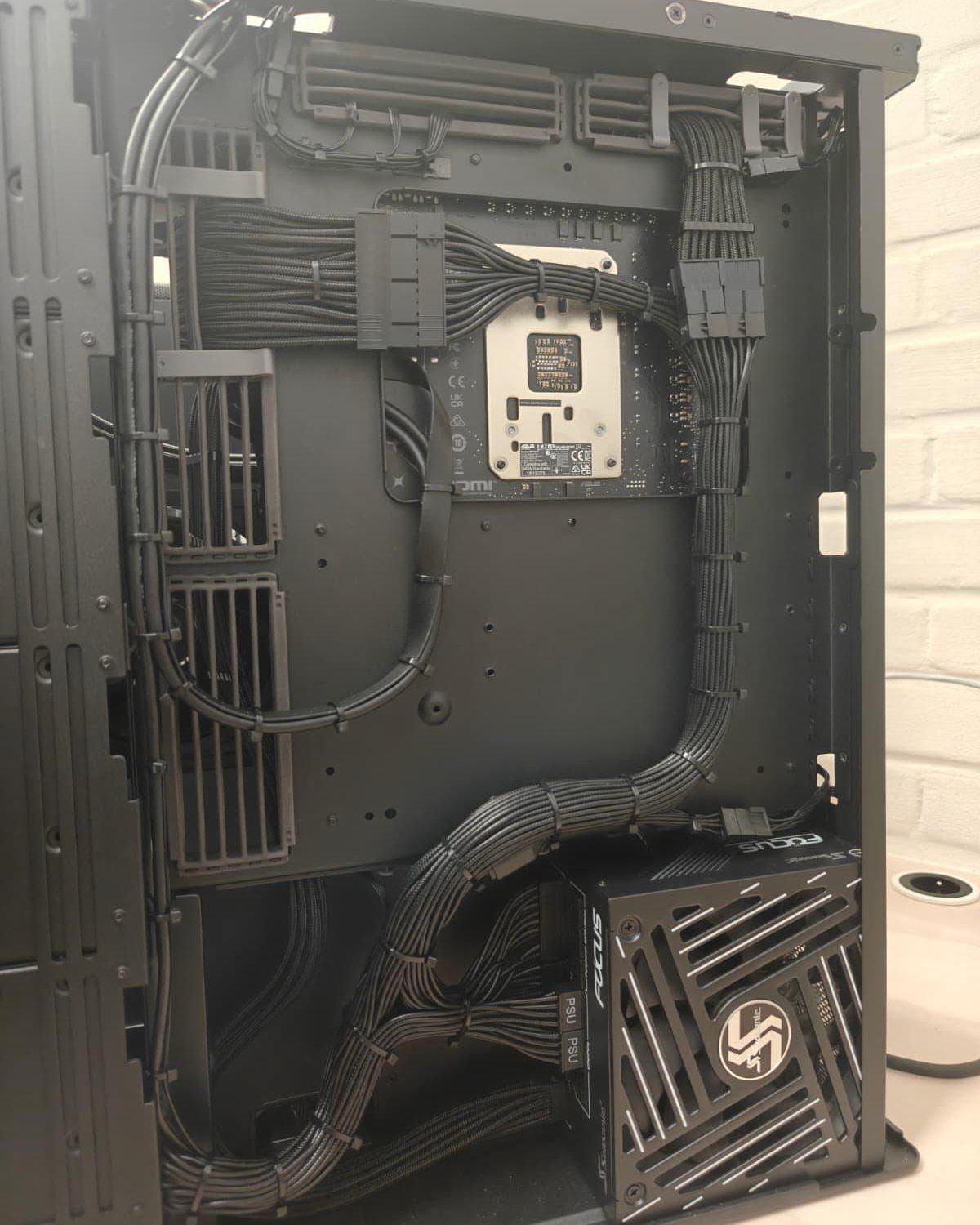
Black cable management solutions keep the inside of your PC case looking clean and make future upgrades simpler.
Black sleeved cables blend into a black case interior instead of standing out, and bundling them with velcro straps or cable combs keeps everything routed tight against the case frame.
Most modular power supplies now ship with black cables, or you can buy sleeved extension kits that keep the monochrome look intact.
Routing everything properly during a build takes some patience, but it makes troubleshooting and adding components much faster later.
2. Black Gaming PC
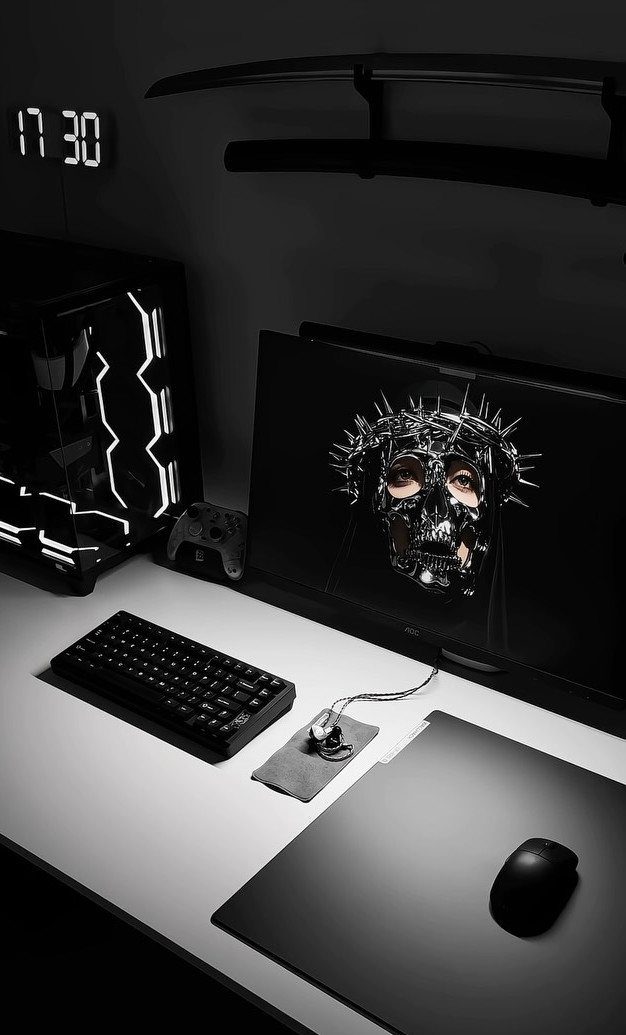
A black gaming PC anchors the setup and sets the color scheme for everything around it.
Black cases come in every size, from compact mini-ITX builds that fit on small desks to full towers with room for custom water cooling loops.
Keeping the build monochrome inside means choosing black components where possible: motherboards with black PCBs, black RAM sticks, black GPU shrouds.
White or RGB lighting stands out sharply against black hardware, so even a small amount of accent lighting makes a strong visual impact.
Cases with tempered glass side panels show off the build. Solid black panels keep the focus on your monitors instead.
An all black gaming setup exudes sophistication and can make your gaming desk setup look both stylish and functional. Whether you’re focusing on aesthetics or performance, an all-black theme offers a cohesive and immersive environment, perfect for any gamer looking to enhance their space.
3. Matte Black Multi-Monitor Setup
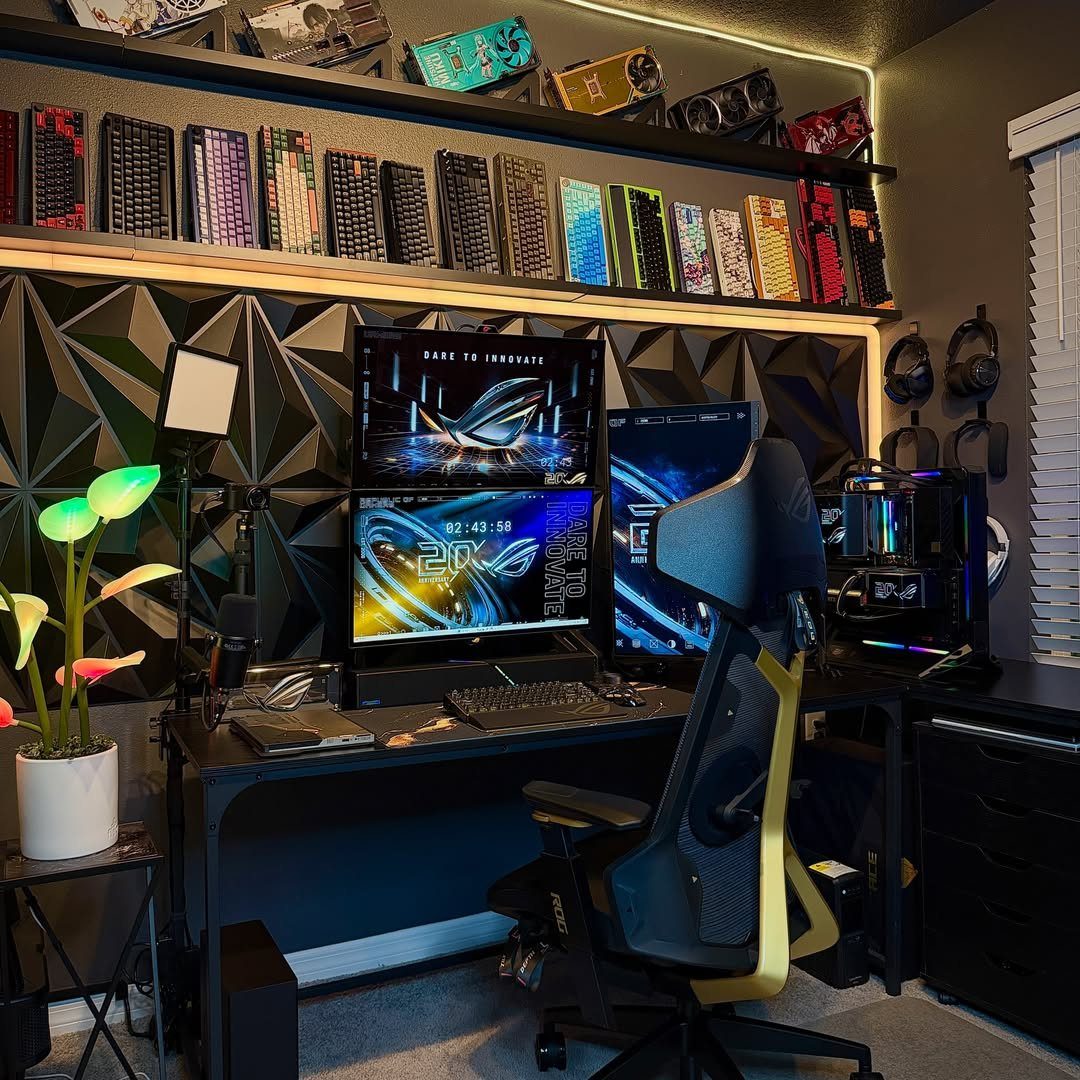
A matte black multi-monitor setup gives you more screen real estate for gaming, streaming software, and Discord all at once.
Three monitors is the most common configuration: one primary display for gaming and two side screens for chat, music, or guides.
Matte black bezels reduce reflections from overhead lights and RGB strips.
Matching the monitor stands or using a triple monitor arm keeps the desk surface clear underneath. Most triple setups use smaller panels since anything too large starts to require too much head turning to see the outer edges comfortably.
4. Simple Black Gaming Desk
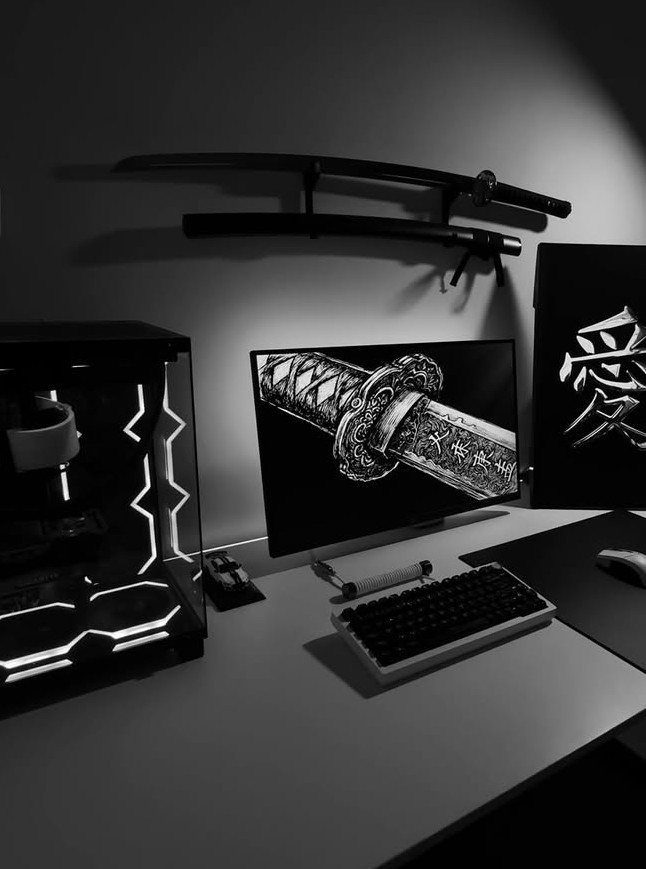
A simple black gaming desk keeps the focus on your hardware instead of competing with it. Black desktops pair well with RGB lighting without washing out the colors.
Desk depth matters more than width for gaming setups. Shallow desks give enough room for a monitor, keyboard, and mouse, while deeper ones let you push the monitor back for a more comfortable viewing distance and leave space to spare.
Simple designs with minimal crossbars underneath leave legroom and make it easier to run cables along the back edge.
5. Black Ergonomic Chair
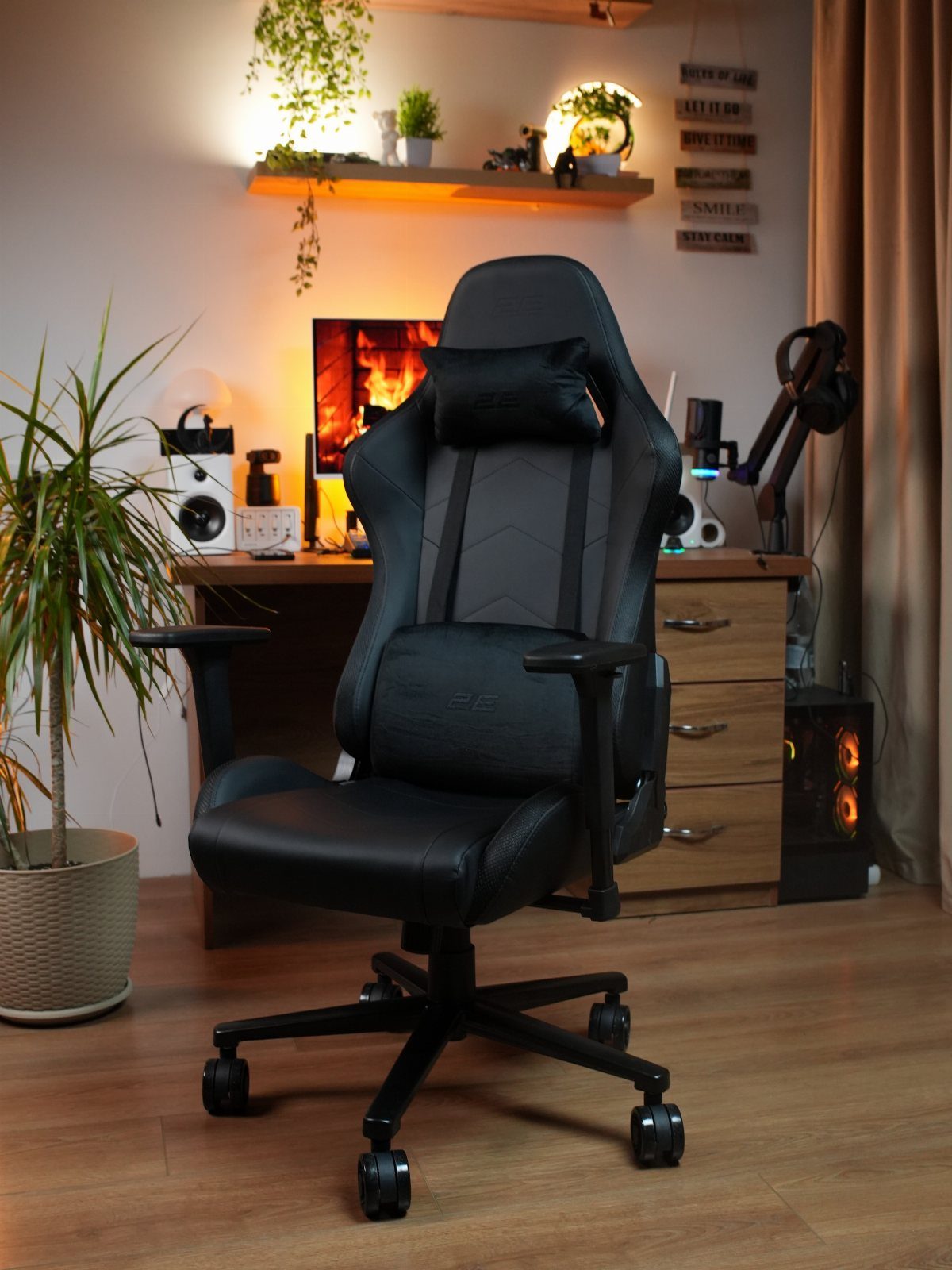
A black ergonomic chair supports your back and neck during long sessions without breaking the all-black aesthetic.
Gaming chairs with bucket seats get most of the attention, but office-style ergonomic chairs with adjustable lumbar support and armrests often give better comfort for the same price.
Look for chairs with mesh backrests if your room runs warm, or padded fabric if you prefer a softer feel.
Adjustable armrests let you dial in the height so your elbows sit comfortably while gaming. Black fabric or leather finishes blend into a dark setup better than bright racing stripes.
6. LED Light Strips
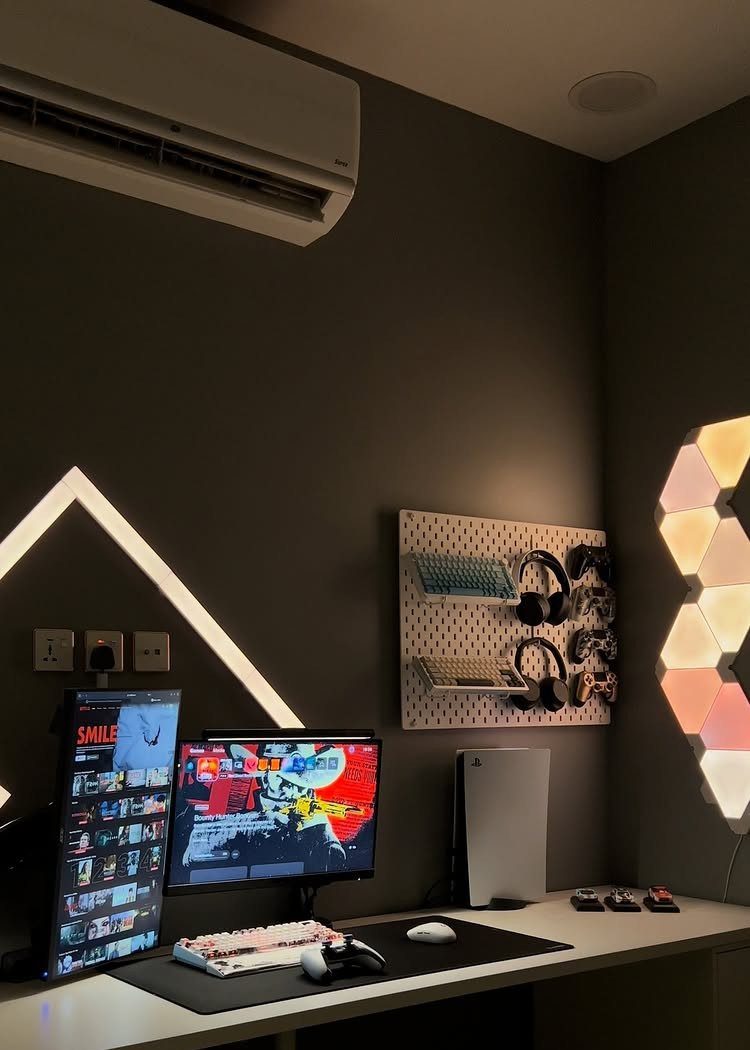
LED light strips add ambient lighting behind monitors, under desks, or along the edges of shelves.
White or RGB strips give you control over the mood: cool white for focused gaming, warm tones for relaxed browsing, or color-shifting modes that react to in-game audio.
Adhesive-backed strips stick directly to the back of monitor stands or the underside of desktop surfaces.
Most plug into USB ports on your PC or use a separate wall adapter. Triangular LED panels and hexagonal wall lights work as accent pieces that break up flat walls without adding clutter to the desk itself.
7. All-Black Gaming Cockpit
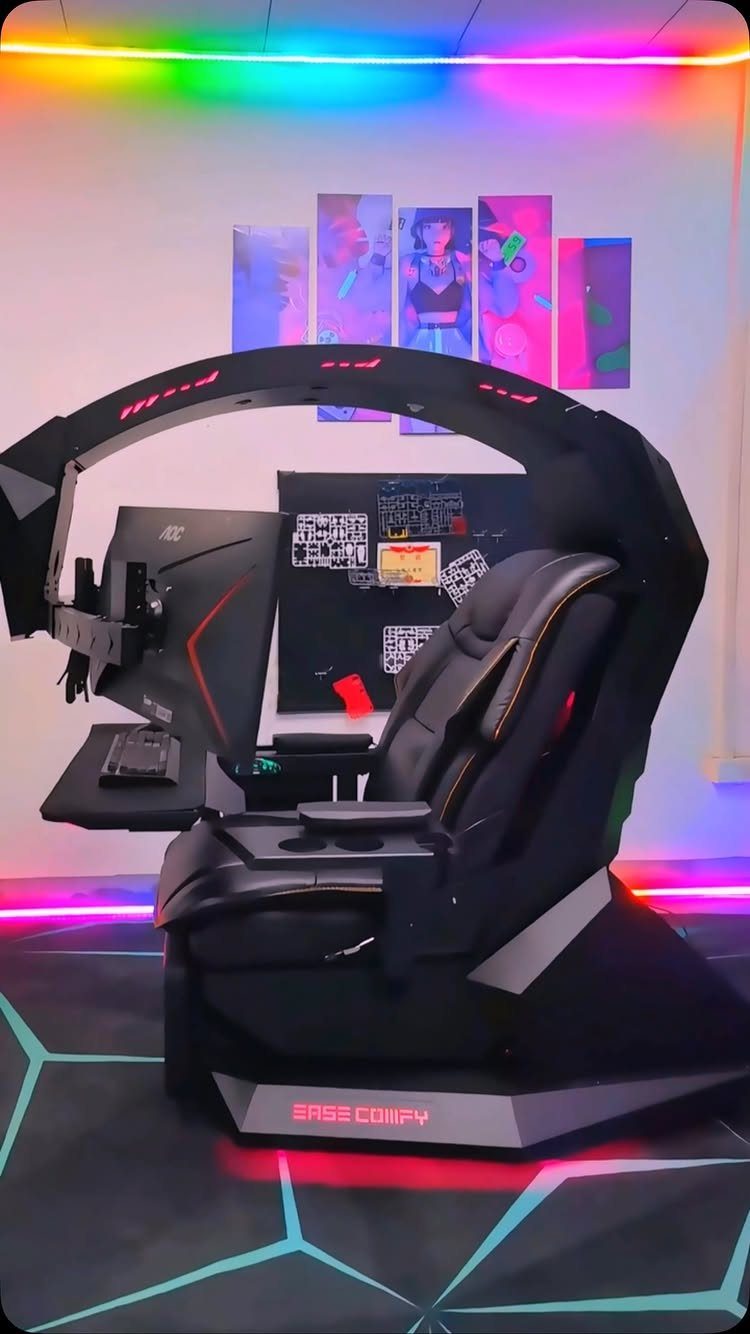
An all-black gaming cockpit wraps your racing seat, monitors, and peripherals into one enclosed frame. The structure keeps everything within arm’s reach and blocks out room distractions during long sim racing sessions.
Most cockpit frames use adjustable mounting points for monitor stands, steering wheels, and pedal bases, so you can dial in the seating position that fits your height.
RGB strips under the seat or along the frame edges add ambient lighting without spilling onto the monitors.
Cockpits take up more floor space than a desk setup, but they give you a dedicated racing position that feels closer to the real thing.
8. Black 3D Geometric Wall Panels
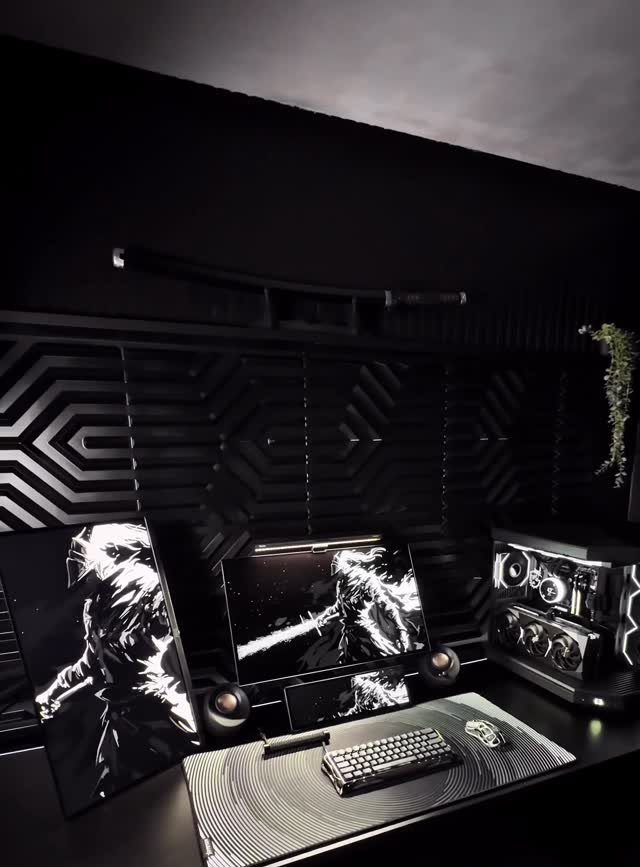
Black 3D geometric wall panels add depth to a flat wall without introducing color. The panels cast shadows from your monitor backlighting or room lights, which gives the wall texture that shifts depending on the angle.
Panels install with adhesive backing or mounting clips.
Arrange them in a grid for a clean look or stagger the pattern for something less symmetrical. The black finish absorbs light instead of reflecting it, which keeps the focus on your monitors and reduces glare during late-night sessions.
9. Monochrome Japanese Wall Art
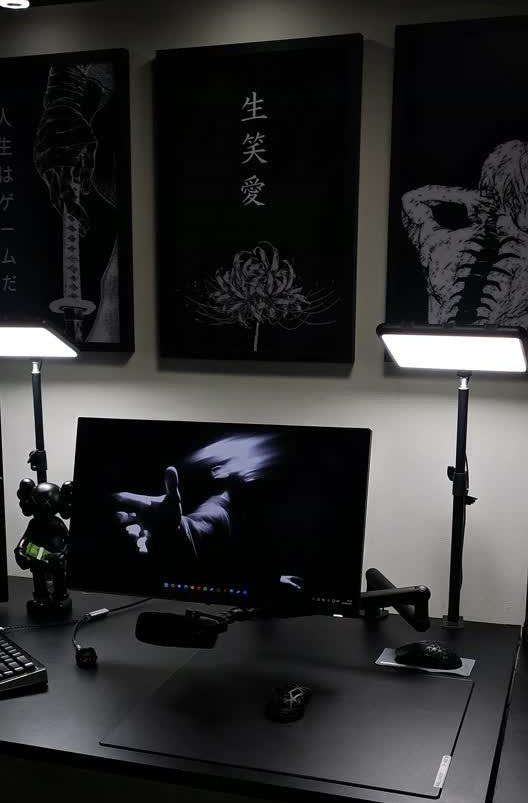
Monochrome Japanese wall art keeps the black-and-white palette intact while adding vertical interest above your desk. Framed prints with bold Japanese characters work as focal points without pulling attention away from your monitors.
Black frames match the setup, and white or light gray backgrounds give the prints enough contrast to stand out against dark walls.
3 prints in a horizontal row balance the width of a standard desk. The high-contrast graphic style fits the sharp lines of a black gaming setup better than softer photography or landscape prints.
10. Dark Setup with Wood Slat Accent
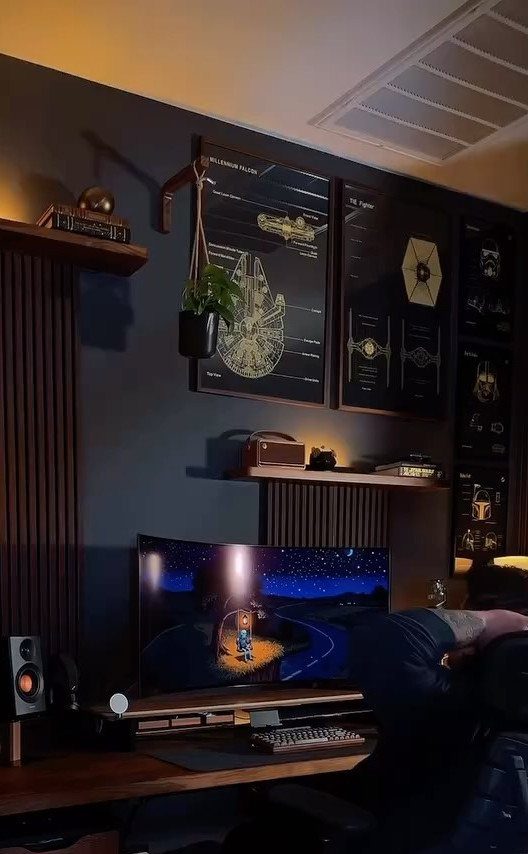
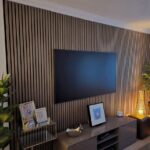
Vertical wood slat accents warm up a black gaming setup without breaking the dark palette.
The natural wood grain adds texture that contrasts with smooth monitor bezels and matte black desks, and the slats run floor to ceiling to draw the eye upward.
Spacing them an inch or 2 apart creates rhythm along the wall and gives you room to tuck LED strips behind them for indirect lighting.
Walnut or espresso finishes stay dark enough to hold the palette but still look like wood grain rather than flat black.
Choosing the Right Desk
A desk with built-in cable management keeps wires out of sight without needing separate clips or trays.
Look for grommets in the desktop surface or a tray that runs along the back edge where you can bundle power strips and excess cable length.
Matte finishes hide fingerprints and reduce glare from overhead lights better than glossy surfaces.
Black laminate or matte black powder-coated steel both work well and cost less than tempered glass tops that show every mark the moment you set something down.
The Arozzi Arena Gaming Desk supplies a wide surface and channels that route cables out of sight. Secretlab’s premium chair line includes adjustable lumbar support and black finishes that disappear into the rest of the room.
Audio Configuration
A quality headset with surround sound gives you spatial audio that helps in competitive games where hearing footsteps or gunfire direction matters.
The HyperX Cloud II is a common choice for its comfort during long sessions and clear audio across multiple frequency ranges.
A black soundbar keeps the monochrome look intact and fits on the desk without crowding your peripherals. The Razer Leviathan soundbar delivers solid output in a compact form that fits under a monitor without blocking the screen.
Surround sound spreads audio in a circle for full immersion, though you’ll need desk or shelf room for 4 or 5 satellite speakers.
Frequently Asked Questions
What do I need for a good gaming setup?
A good gaming setup starts with a desk deep enough to position your monitor at a comfortable viewing distance, an ergonomic chair with adjustable lumbar support, and a gaming PC built with components that match your color scheme.
Add a quality headset for spatial audio in competitive games and cable management solutions to keep wires routed out of sight.
LED light strips behind monitors or under the desk add ambient lighting that reacts to gameplay or sets the mood for long sessions.
What is the best all-black PC case?
The best all-black PC case depends on your build size and cooling needs, but look for one with a tempered glass side panel if you want to show off black components inside, or a solid panel if you prefer keeping the focus on your monitors.
Choose one with space for your GPU length and enough airflow to keep temperatures down during heavy gaming.