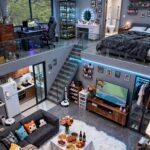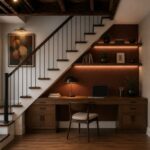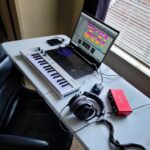
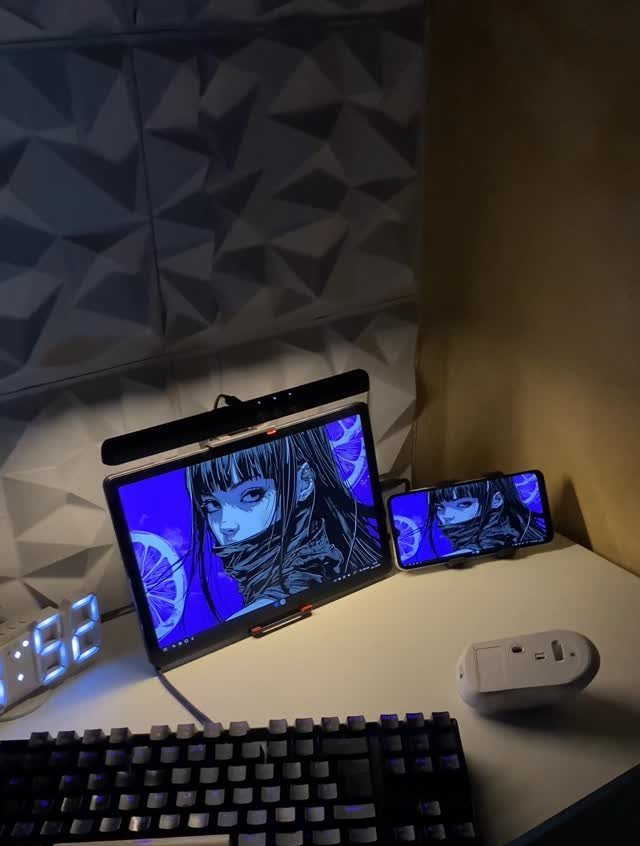
A small gaming room fits everything from LED ceiling clouds and floating shelves to a wall-mounted TV and dual-screen console setup.
The choice comes down to whether you’re building a multi-functional bedroom that handles gaming and sleep in the same footprint, carving out a closet nook, or committing to a dedicated console collector setup that owns one look.
1. LED Strips Under Shelves
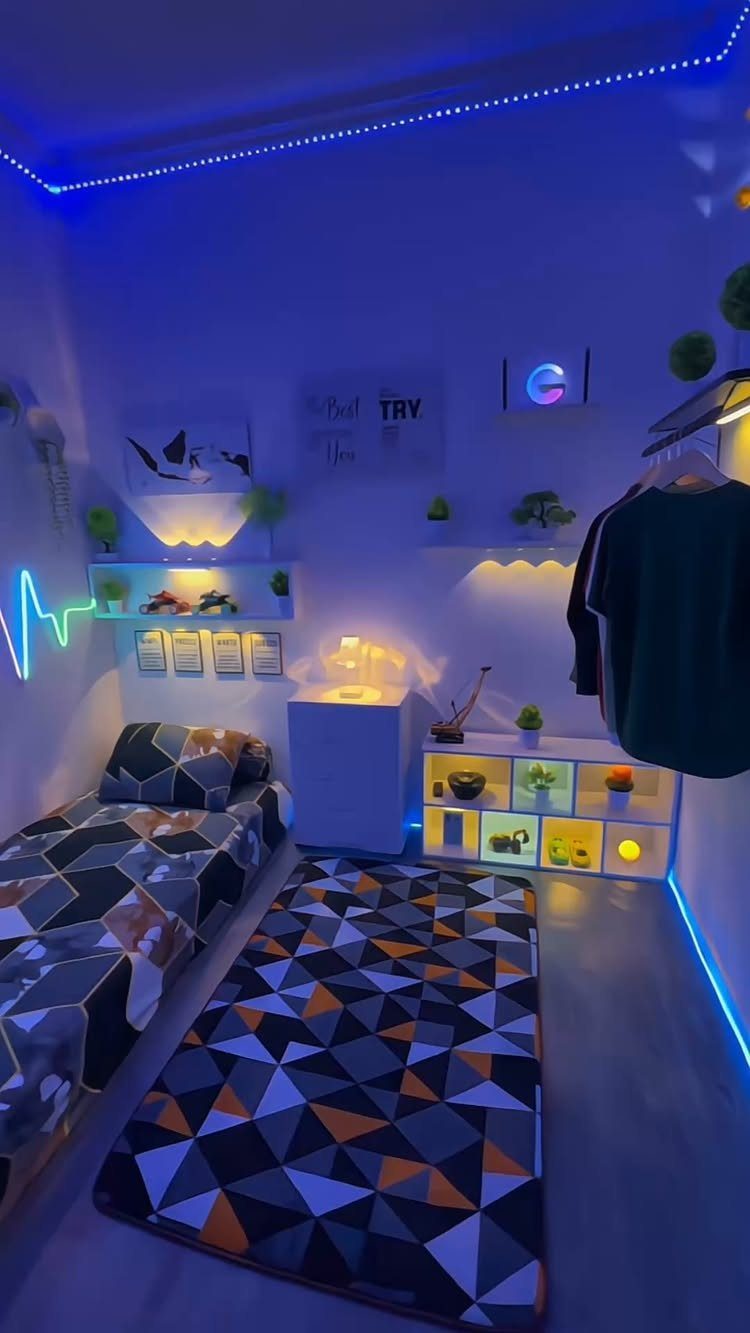
LED strips under shelves push light downward and give your gaming room depth without eating up any of your limited floor space. The glow highlights whatever you keep on display and pulls the eye up the wall.
LED strips run on USB or plug into a wall outlet. Cut them to fit the exact length of each shelf, stick them along the underside edge, and you’re done.
Blue gives a cool, focused vibe. Warm white softens the room if you’re after something less intense.
2. Acoustic Panels
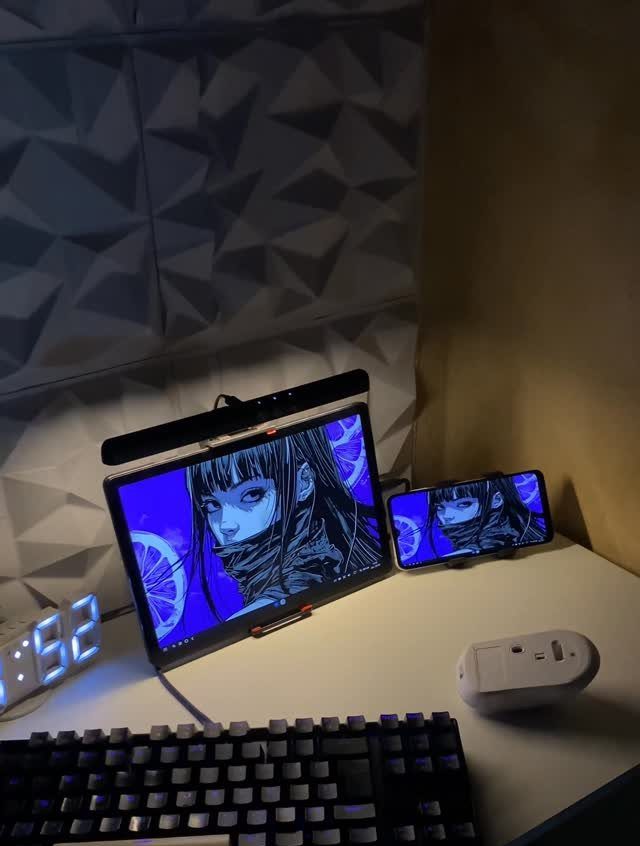
Acoustic panels cut down on echo and make voice chat clearer, which matters if you’re streaming or just trying to hear your squad without cranking the volume. The 3D geometric ones add texture to the wall while they work.
Most panels are foam and attach with adhesive strips or push pins. A grid behind your monitor does most of the job; you don’t have to cover the whole wall.
Grey keeps the look clean. Panels come in every shade and you can mix them into a pattern.
3. Gallery Wall of Game Art
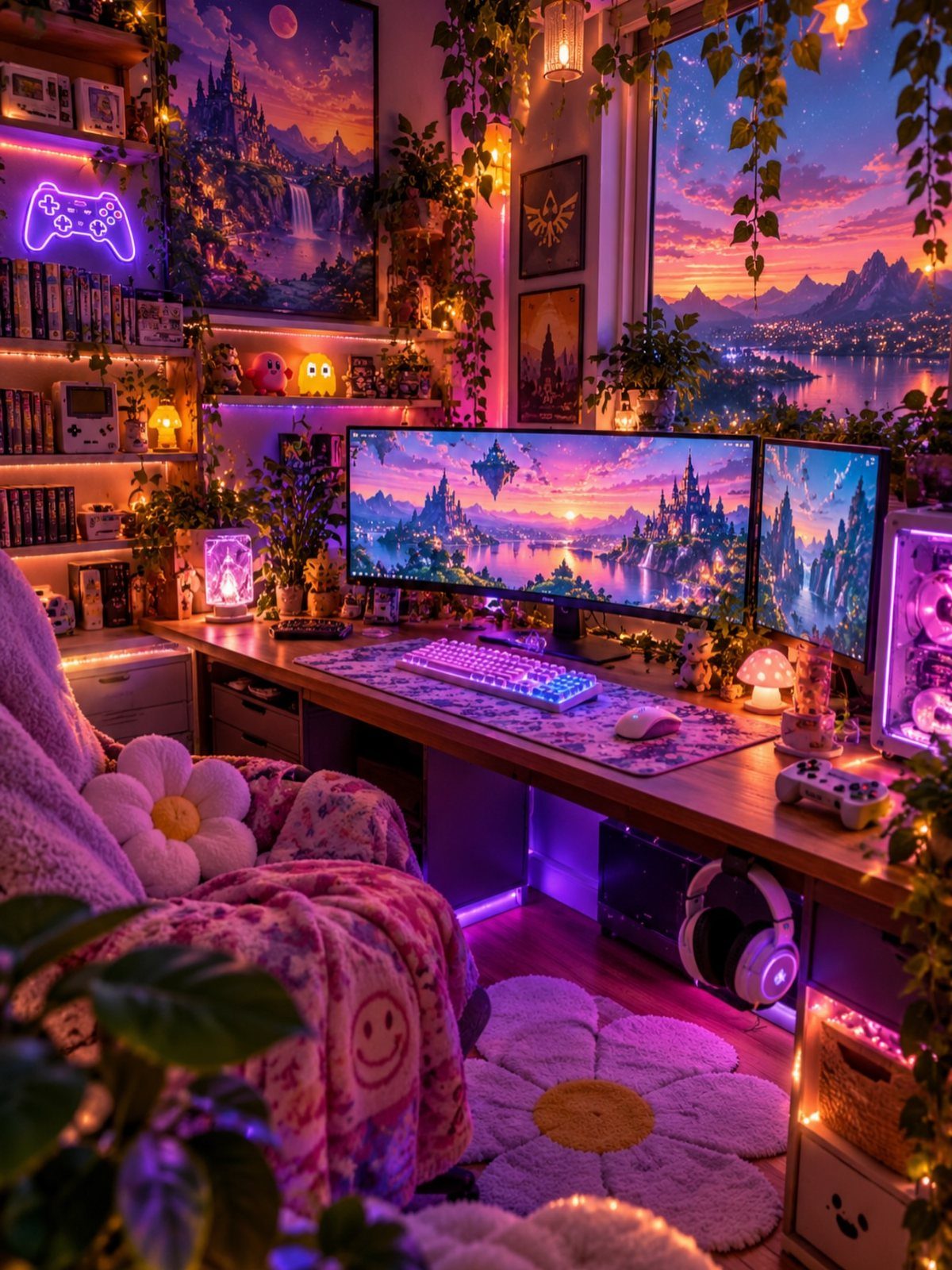
A gallery wall of game art fills vertical space and adds personality on a surface where a desk or chair won’t fit.
Prints, posters, and small frames cluster together and turn a blank wall into something that feels like your own.
Mix sizes and don’t worry about perfect alignment. The casual look reads better in a small room than rigid symmetry.
Frame sizes from 5 x 7 and larger work well together. Black frames unify the collection; white frames lighten a dark room.
4. Choose a Color Palette
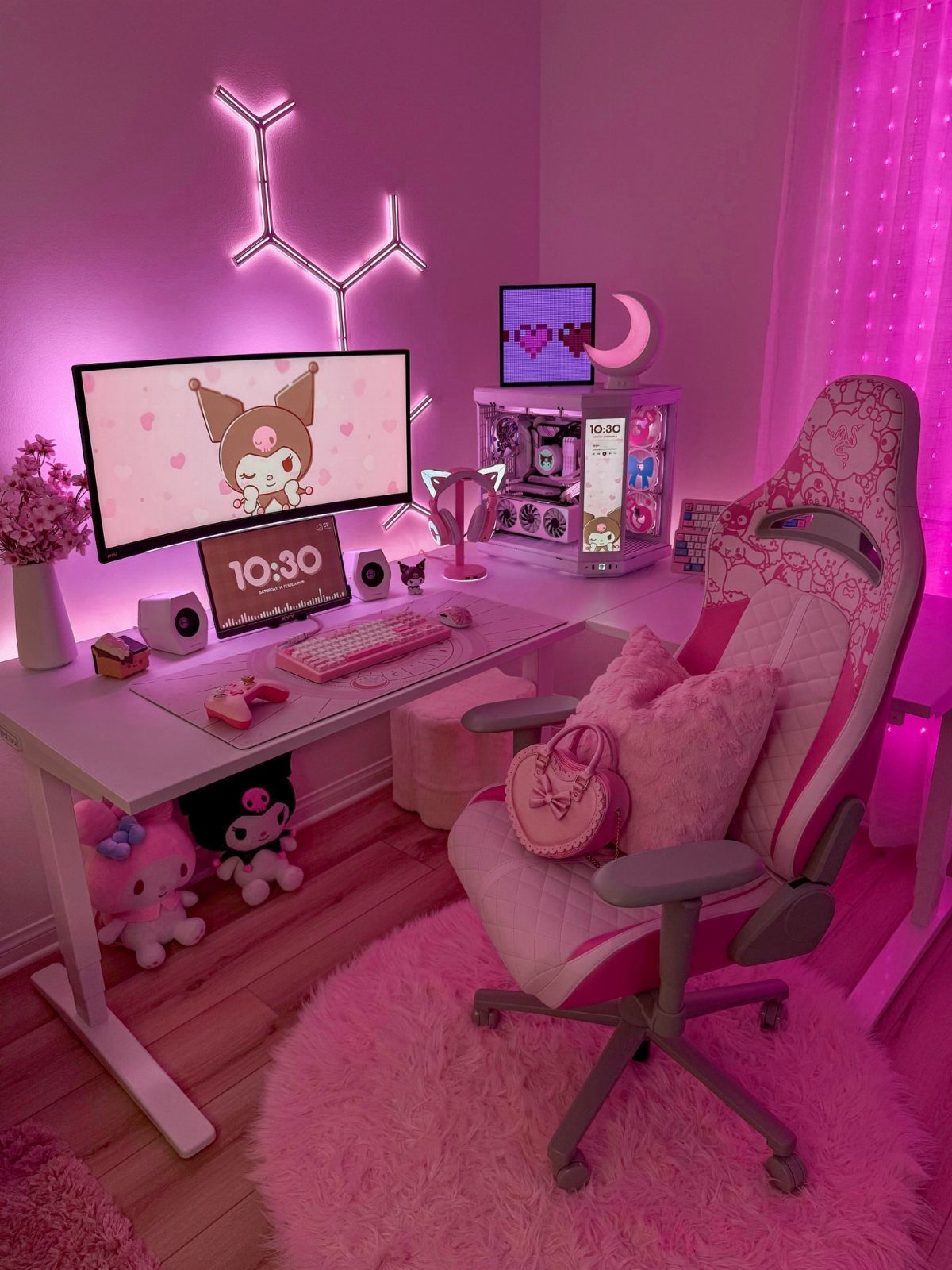
Picking a color palette and sticking to it pulls a small gaming room together so it feels intentional instead of crowded.
Pink, white, and a few accent tones make everything from your chair to your keyboard feel like it belongs in the same space.
Choose 2 main colors and 1 accent.
Buy accessories in those colors as you go, and skip anything that doesn’t fit. Even cable management looks cleaner when your cords match.
Pink reads bold and works especially well if you’re building a girl gamer setup. White and black stay neutral and make small rooms feel bigger.
5. LED Panels
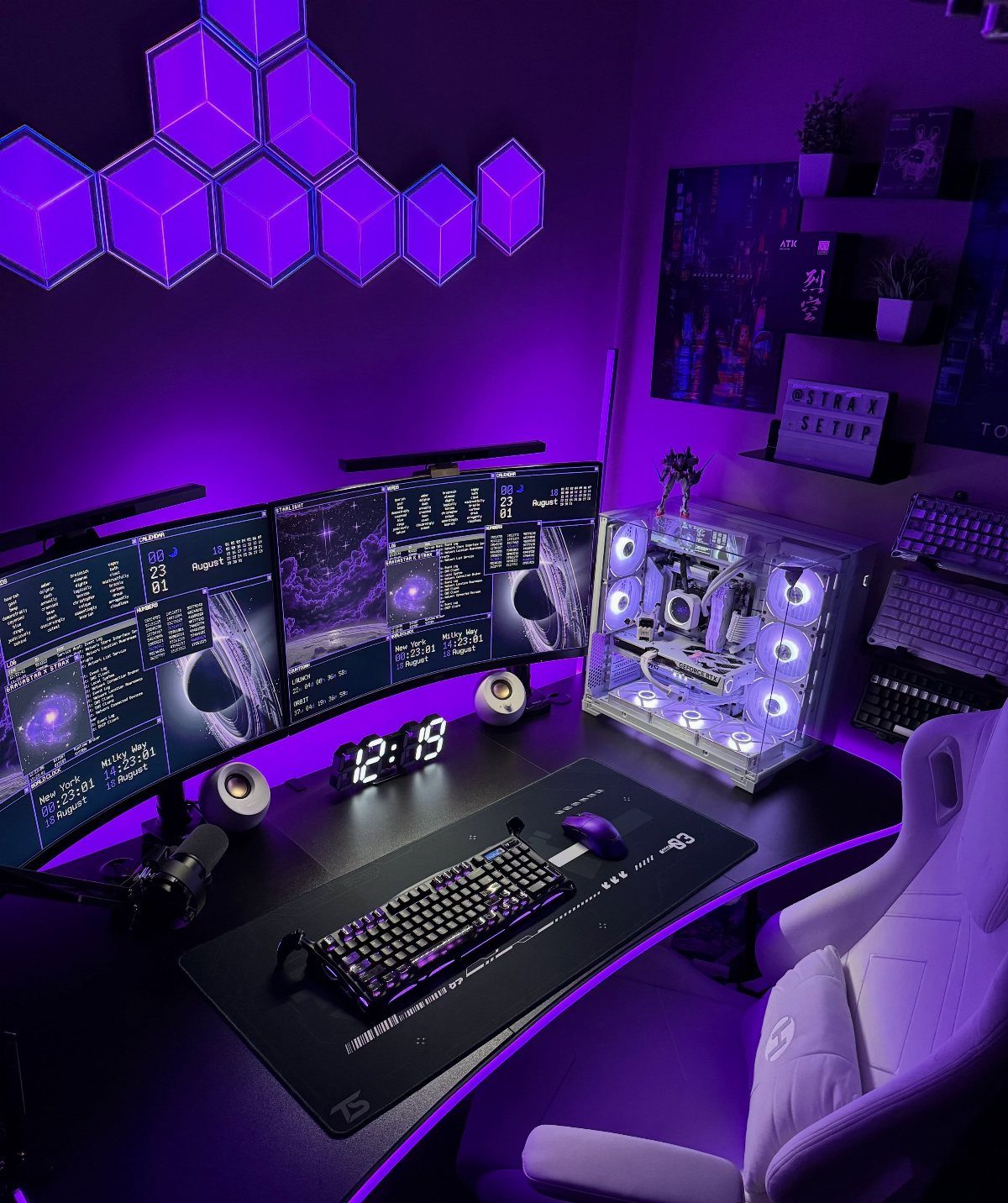
LED panels mount flat to the wall and give you modular lighting you can arrange however you want. The hexagonal ones in purple create a geometric pattern that doubles as wall art and a light source.
Each panel connects to the next, so you buy a starter kit and add more panels over time. Most are touch-sensitive or app-controlled, so you can change the color to match your mood or your game.
Hexagons fit together in endless configurations. Start with a set of panels and build out from there.
6. Gaming Projector
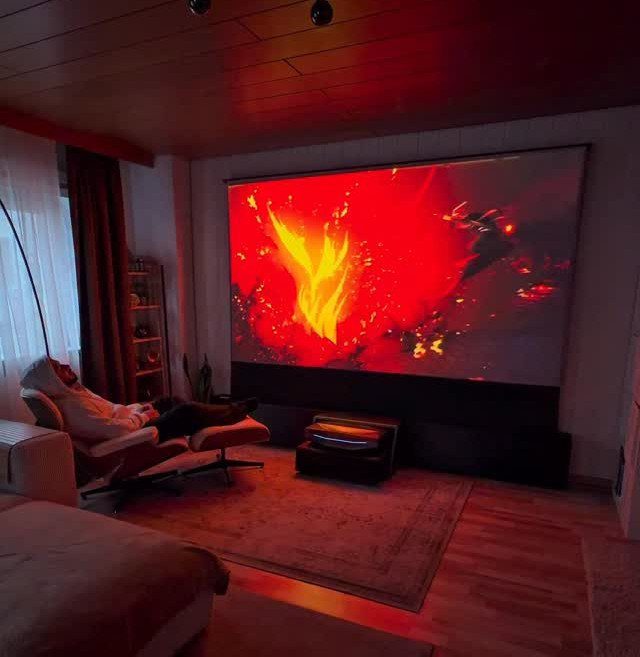
A gaming projector throws a huge image onto any blank wall and creates an immersive experience without the bulk of a massive TV.
You get a screen larger than most TVs in a room where a big flatscreen would dominate the floor plan.
Mount the projector on the ceiling or set it on a shelf behind your seating. You’ll need a dark room or blackout curtains for the best picture, and a smooth wall or a pull-down screen.
Projectors start at affordable price points for 1080p models. Input lag matters for fast-paced games, so check the spec sheet before you buy.
7. Floating Shelves
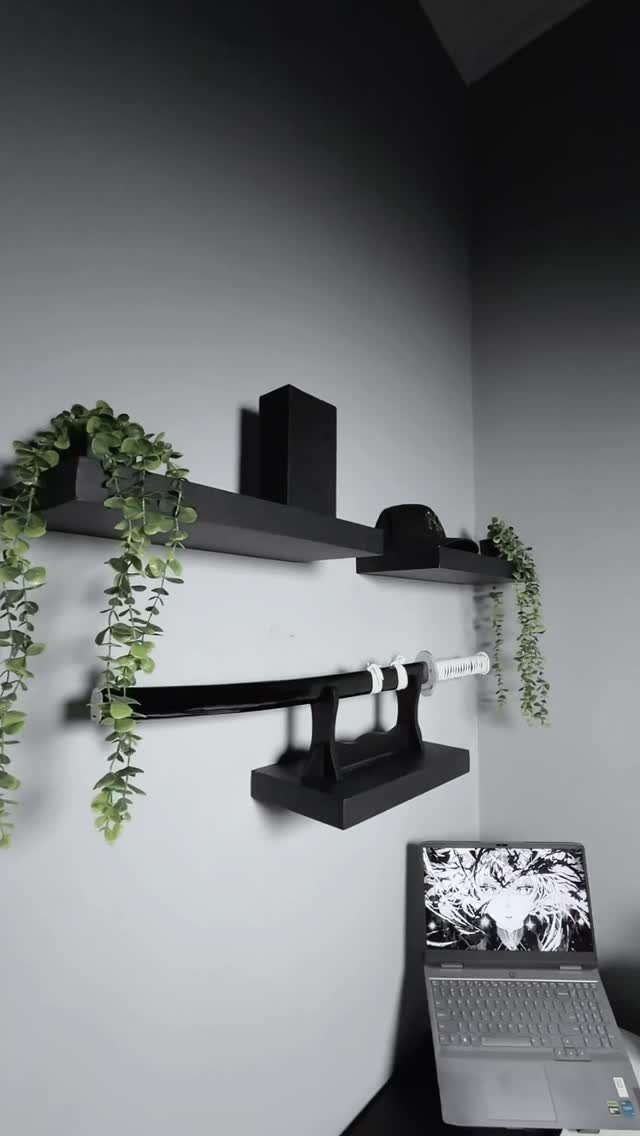
Floating shelves hold controllers, collectibles, and anything else you want in reach without the bulk of a bookcase. They open up wall space above your desk or TV and leave more room at floor level.
Install them with hidden brackets so the shelf looks like it floats. They hold games, a plant, or display pieces without much weight capacity needed.
Black shelves disappear against a dark wall. Wood adds warmth if your setup skews neutral.
8. Multi-Functional Gaming Bedroom Setup
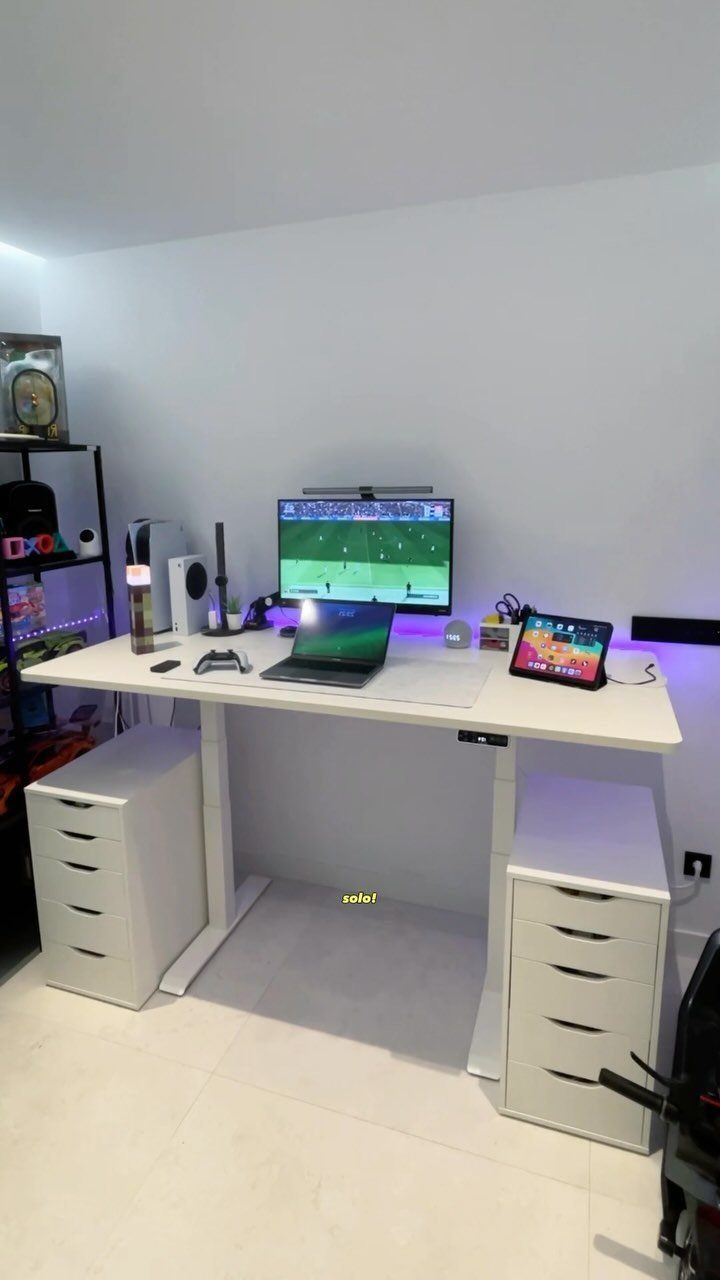
A multi-functional setup puts your desk, monitor, and gaming console in one footprint so you can work and game without rearranging furniture.
The white desk and drawer units in this setup give you storage on both sides and keep cables out of sight.
Use drawer units as the desk base if you need more storage than a standard desk offers. A monitor arm frees up desk space for a laptop and tablet when you switch between tasks.
White keeps a small room feeling open. Add color with your peripherals and lighting.
Creating a gaming setup in a small bedroom isn’t just about squeezing in a screen and hoping for the best. A great small bedroom gaming room blends style, storage, and performance, while still feeling like a space to relax and unwind.
9. Neon Console Collector Gaming Bedroom
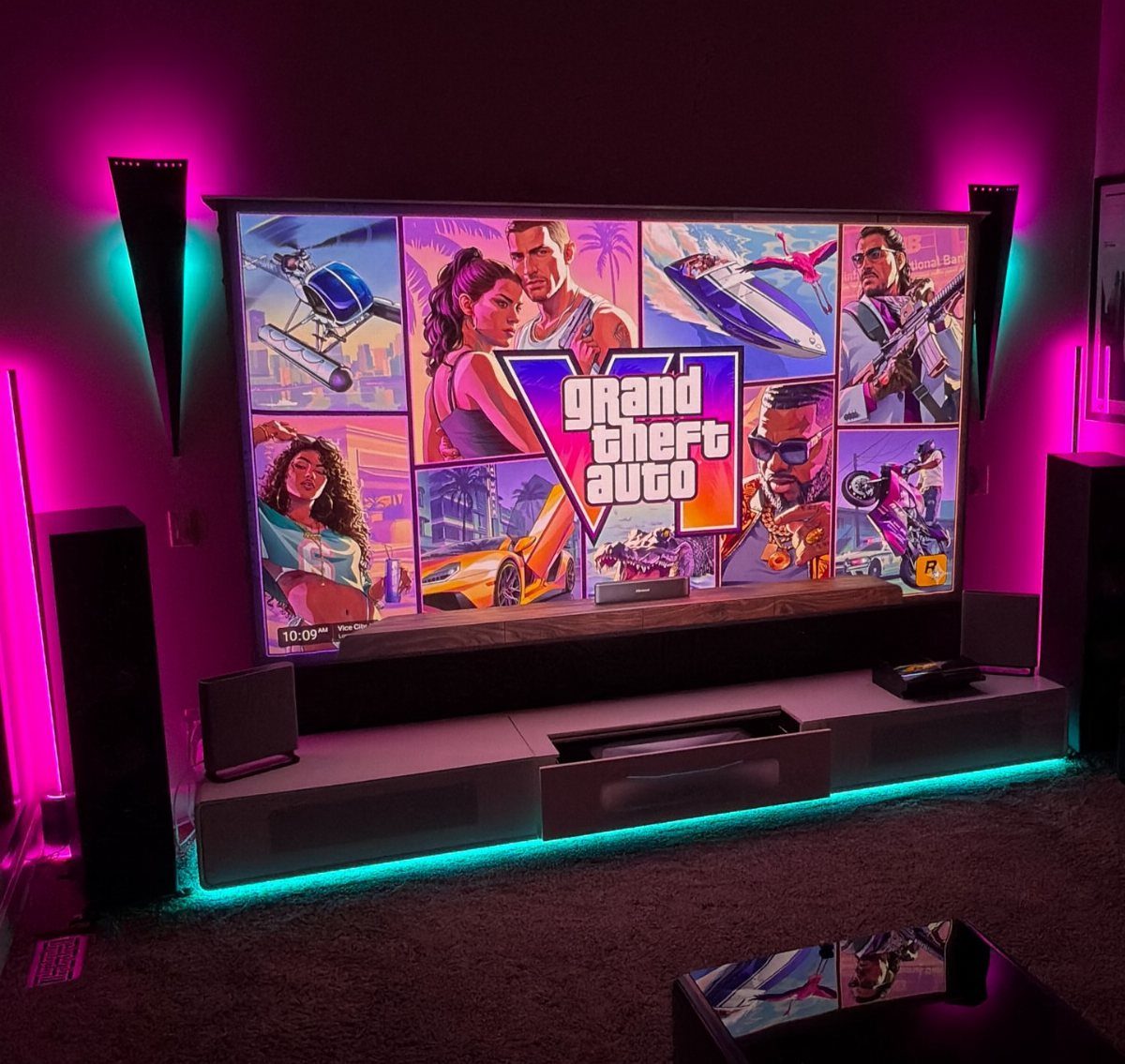
This setup commits to a bold color scheme and builds the entire room around it. Pink and cyan neon lights frame the TV, and the color carries through the speakers, the bedding, and the walls.
Neon signs and LED strips do most of the work. Choose 2 colors and repeat them everywhere so the look feels cohesive instead of random.
Pink and cyan read energetic and modern. Warm tones like orange and purple soften the vibe without losing intensity.
10. Mounted TV + Gaming Console Combo
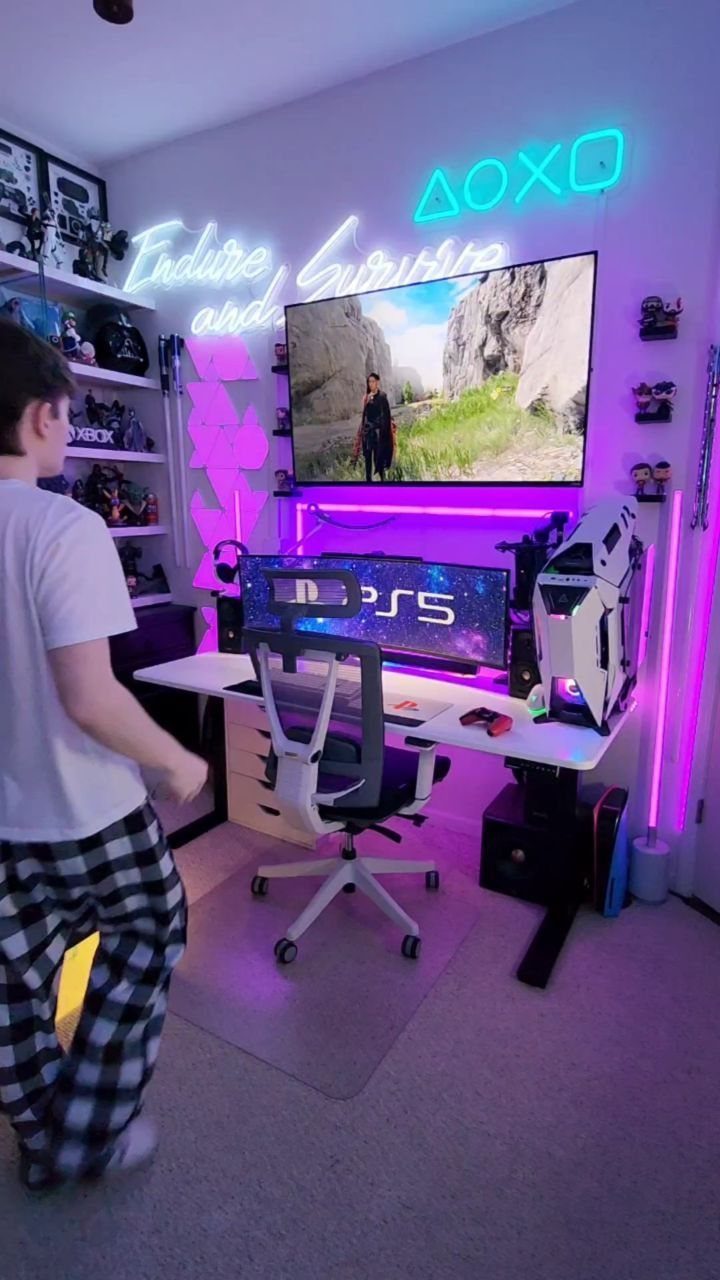
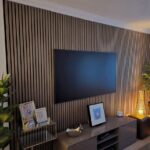
Mounting your TV on the wall frees up surface space for a desk, a PC, and storage underneath. The setup in this room stacks a wall-mounted screen above a white desk, with neon signs adding character on the walls.
Use a fixed or tilting mount rated for your TV’s weight. Run cables through the wall if you own the space, or use a cable raceway to keep them tidy.
Position the TV so the center sits comfortably in your sightline without neck strain.
11. Wall-Mounted Brackets
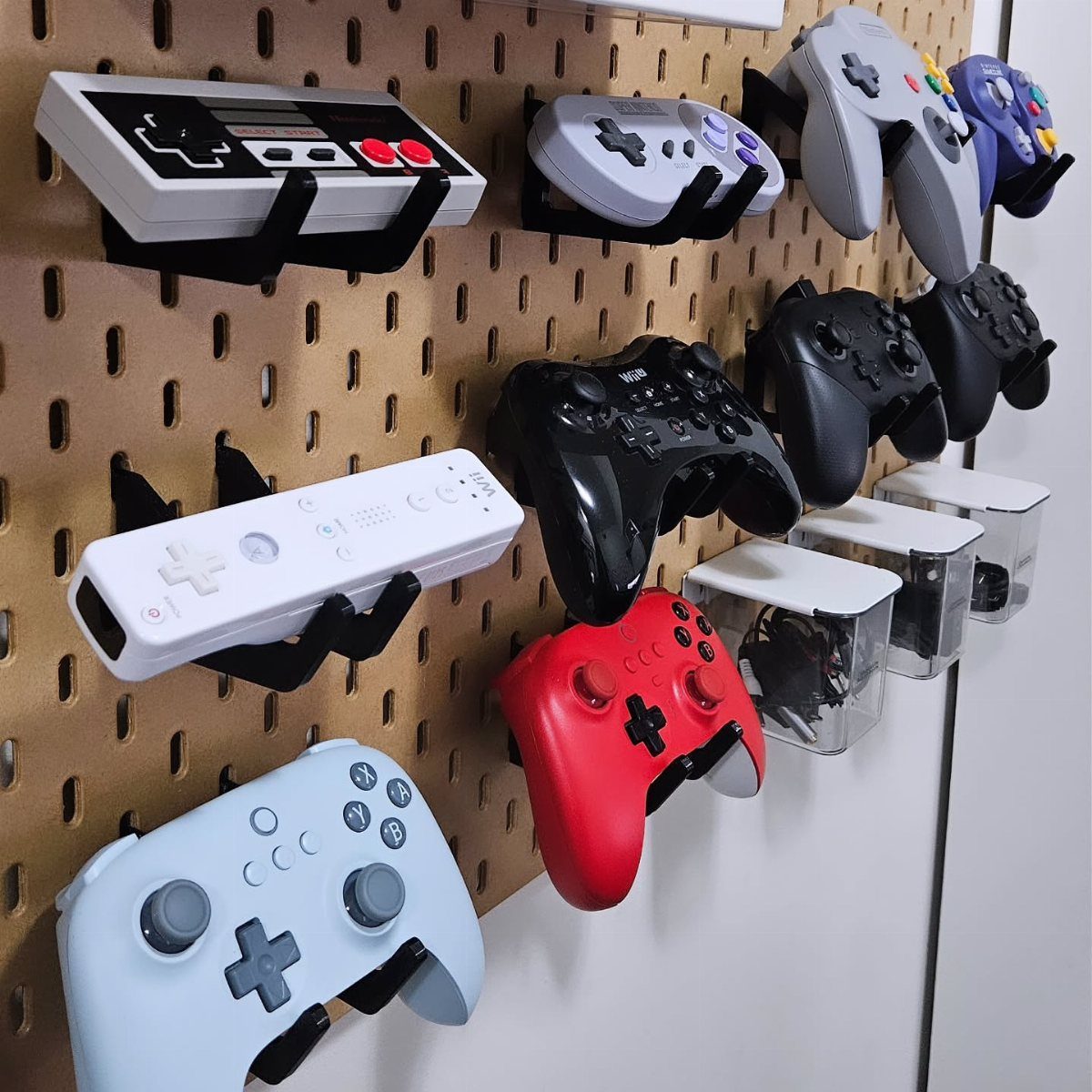
Wall-mounted brackets hold controllers on display and keep them from piling up on your desk or getting buried in a drawer. The pegboard backing in this setup lets you rearrange the brackets as your collection grows.
Brackets screw directly into the wall or clip onto pegboard. Pegboard gives you flexibility; standard wall mounting keeps the install cleaner if you plan to leave things in place.
Space the brackets far enough apart that the controllers don’t touch. Clear bins on pegboard hooks hold accessories and cartridges.
12. IKEA KALLAX Shelving Units
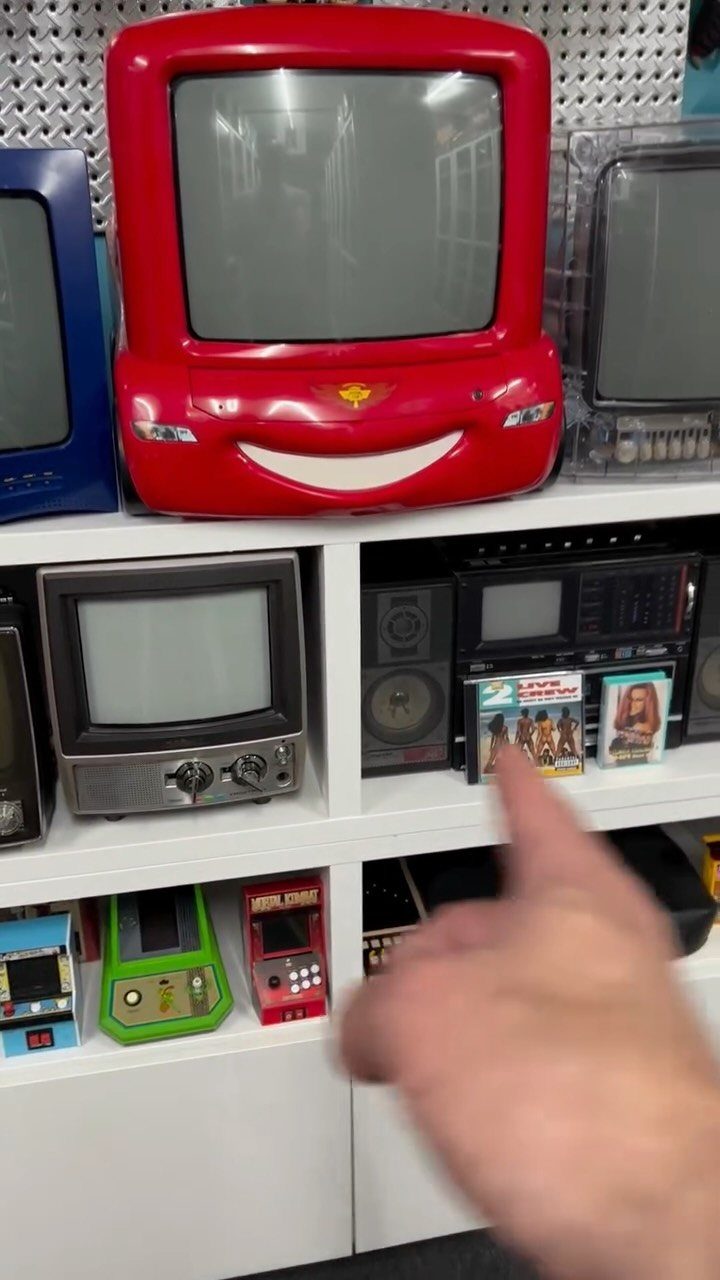
IKEA’s square cube units fit games, consoles, and collectibles in a grid that looks intentional. Each cube holds a bin, a console, or whatever you want on display.
The unit comes in different sizes to fit your wall. Set it horizontally as a low credenza or stand it upright to use vertical space.
White matches most setups.
13. Embrace the Girl Gamer Aesthetic
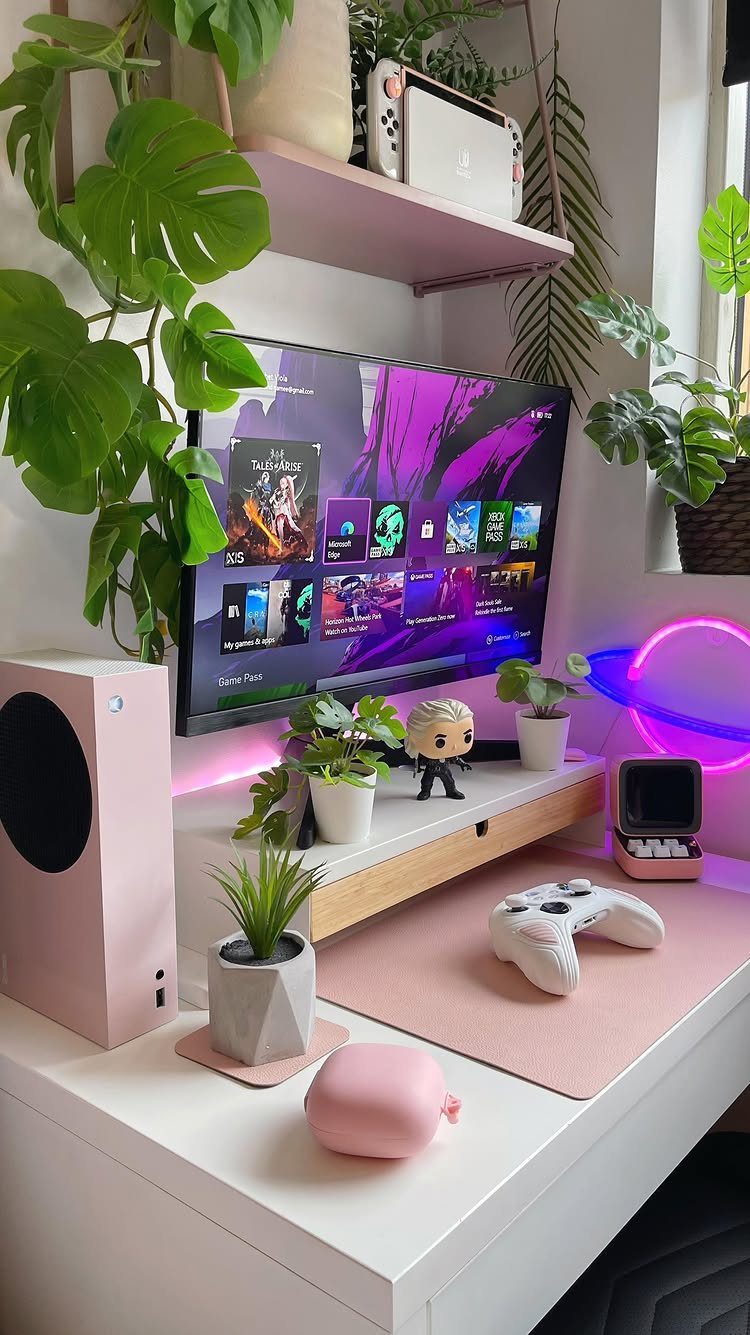
Pink peripherals, white furniture, and soft lighting turn a small gaming room into a space that feels personal and comfortable. The setup keeps the same storage and screen real estate as any other desk but shifts the color story.
Start with a neutral desk and chair, then add color through your keyboard, mouse pad, headset stand, and plants. LED strips in pink or warm white soften the glow behind your monitor.
The look works best when you commit to it. Pick 2 or 3 colors and stick with them as you upgrade your gear.
14. Wall-Mounted Dartboard Cabinet
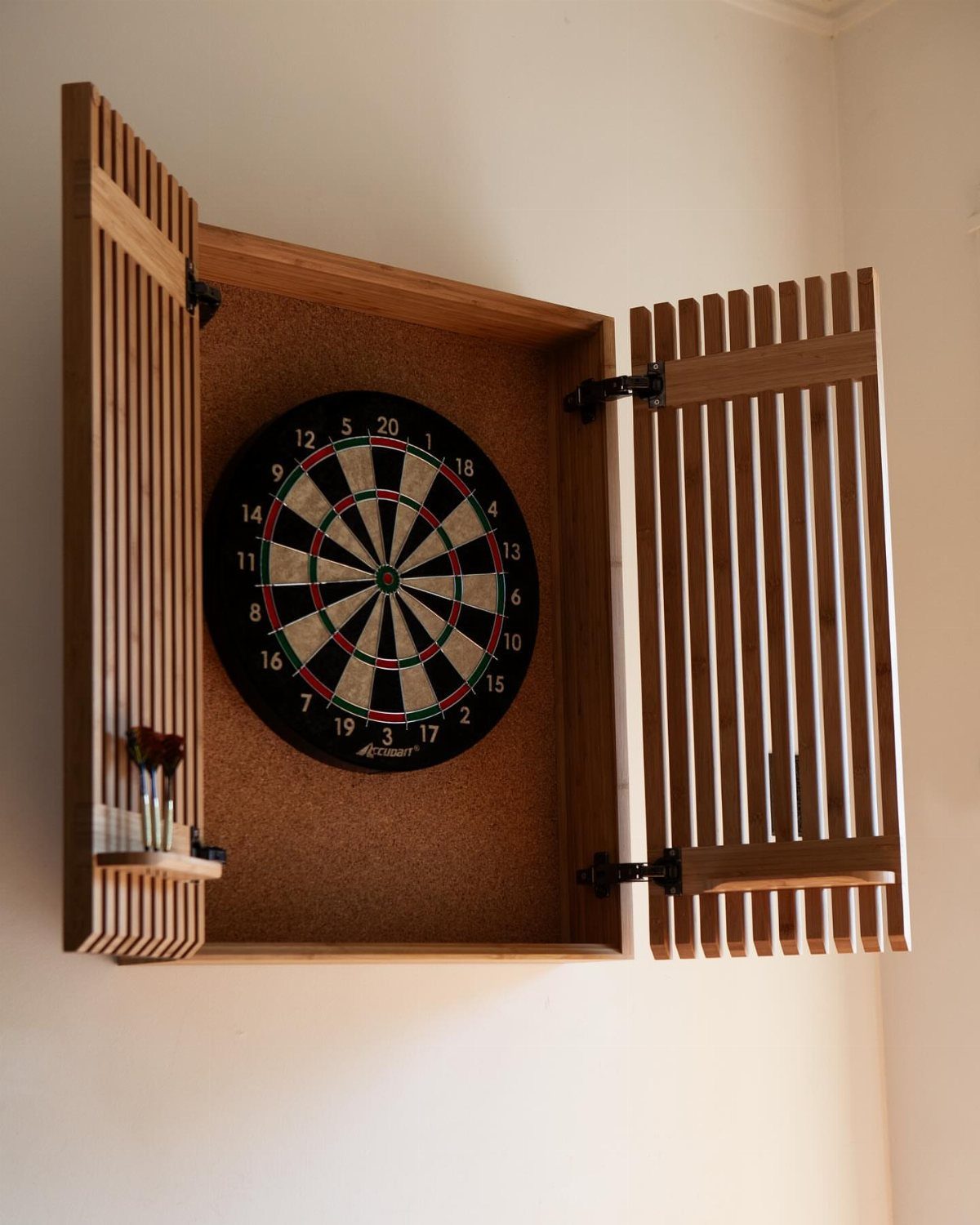
A cabinet with doors keeps the dartboard tucked away when you’re not using it and protects the wall from stray throws. The doors fold open to reveal the board and close flat when you’re done.
Mount it at the height that feels right when you stand back to throw. Leave enough clear space in front so you can step back to throw without bumping furniture.
Wood cabinets blend into most rooms. Cork backing inside the doors catches darts that miss the board.
15. Compact Pool Table
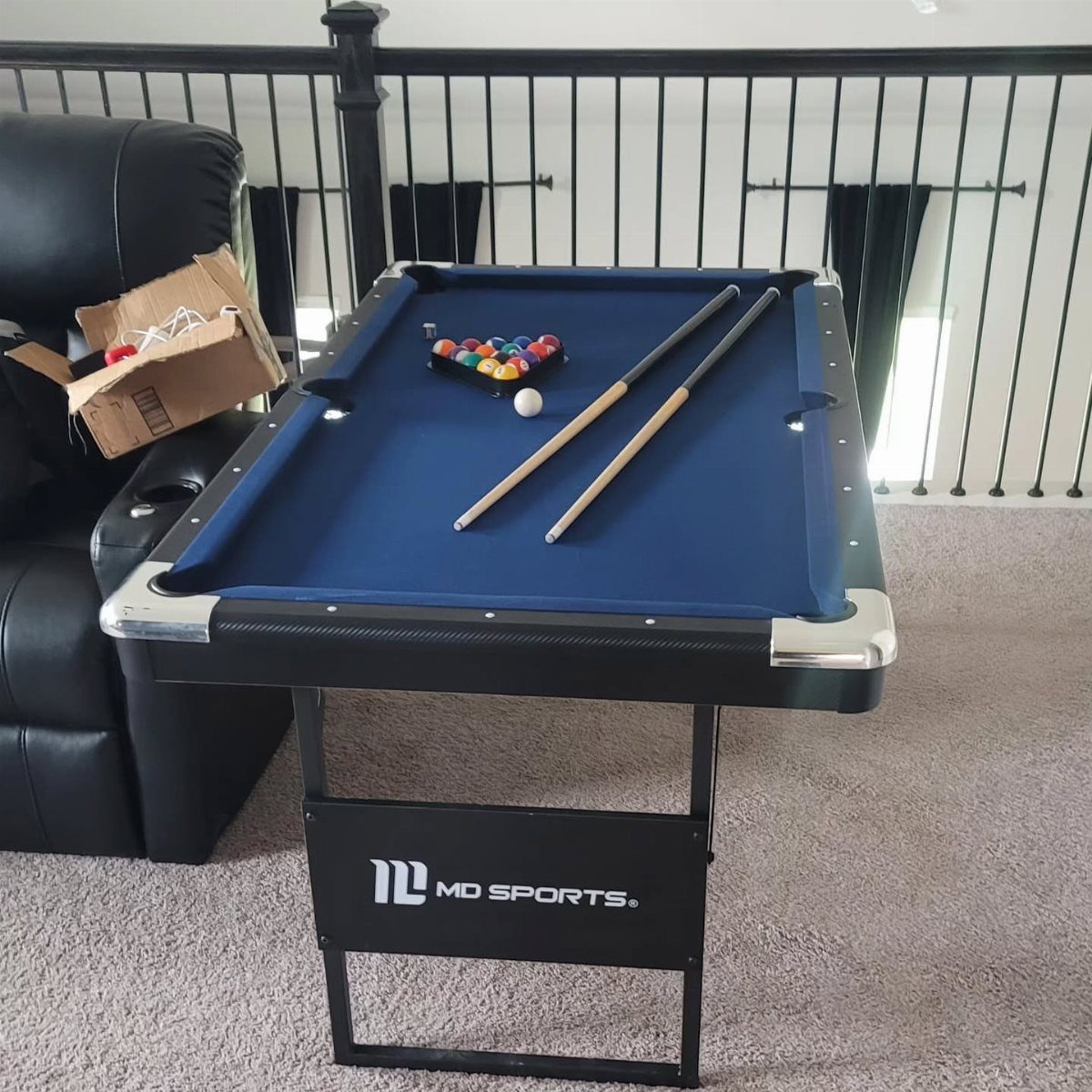
A compact table gives you a full game of pool in about half the footprint of a regulation table.
You’ll still need clearance around the table for your cue. Leave room on each side to swing a cue, or keep shorter cues on hand if the space is tight.
Felt quality matters more than size. A cheap surface slows the game down no matter how much room you have.
16. Monitor Arm
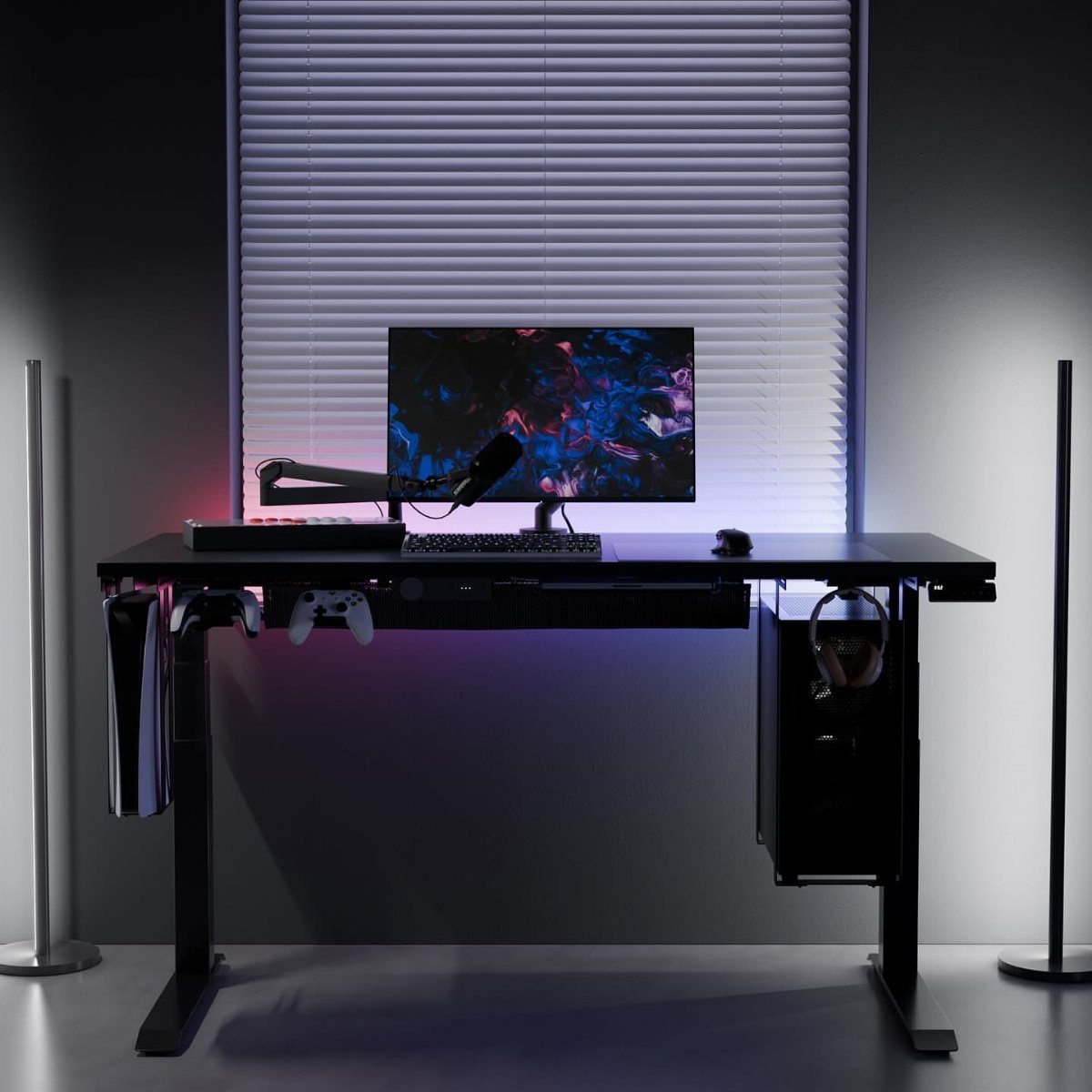
A monitor arm clamps to the edge of your desk and holds the screen on an adjustable bracket.
It frees up the footprint a monitor stand would take and lets you tilt, swivel, or pull the screen closer without moving anything else.
Most arms hold a standard monitor without trouble. Check your monitor’s VESA mount pattern before you buy.
The arm keeps cables off your desk if you route them through the bracket. Adjust the height so the top of the screen sits at or just below eye level.
17. Ergonomic Chairs
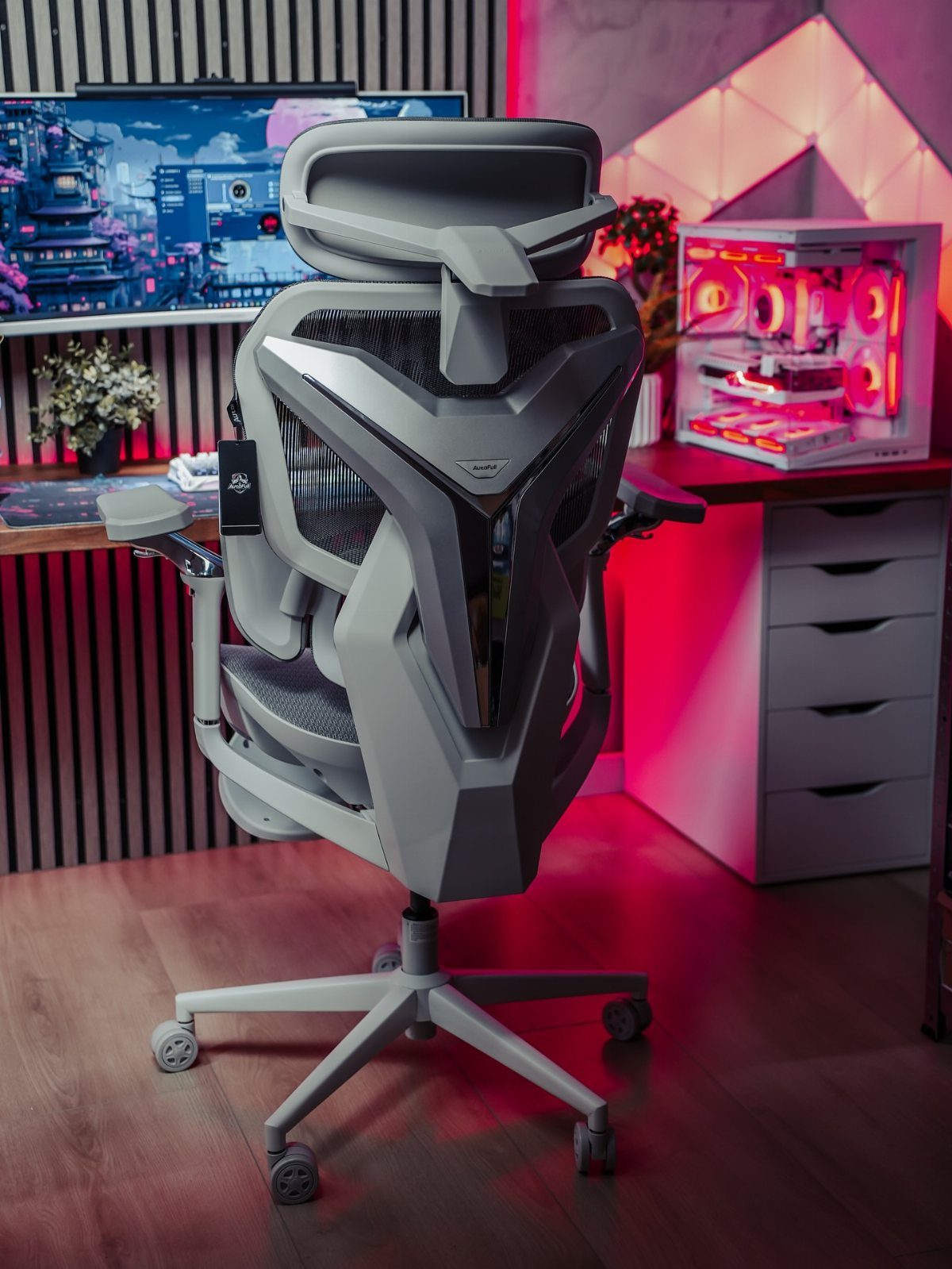
An ergonomic chair supports your back and neck through long sessions and adjusts to fit your height and posture.
A good one costs more up front but holds up better than budget gaming chairs that wear out in a year or two.
I look for lumbar support that actually pushes into the small of my back, armrests that move up and down, and a seat that tips forward or back. Mesh backs breathe better than foam if your room runs warm.
Try the chair before you buy if you can. Fit matters more than brand.
18. Use a Mini-Fridge
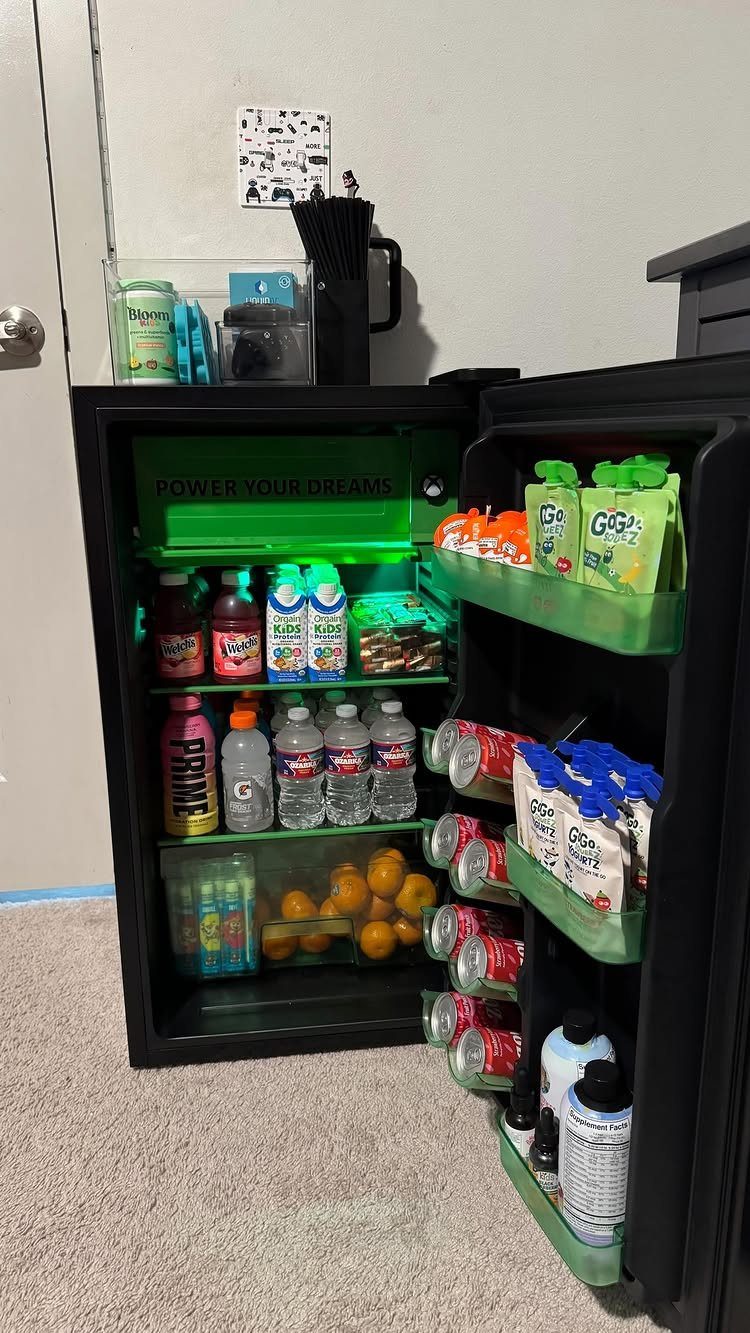
A mini-fridge next to your desk keeps drinks cold and snacks close so you don’t have to leave the room mid-game. Most plug into a standard outlet and hold enough for a full day.
Pick one that tucks under your desk or stands beside it without crowding your chair. Measure the height before you order; some won’t clear a low desk overhang.
LED lighting inside makes it easier to grab what you need without turning on the overhead. Quiet models matter if you stream or record.
19. Add Plants
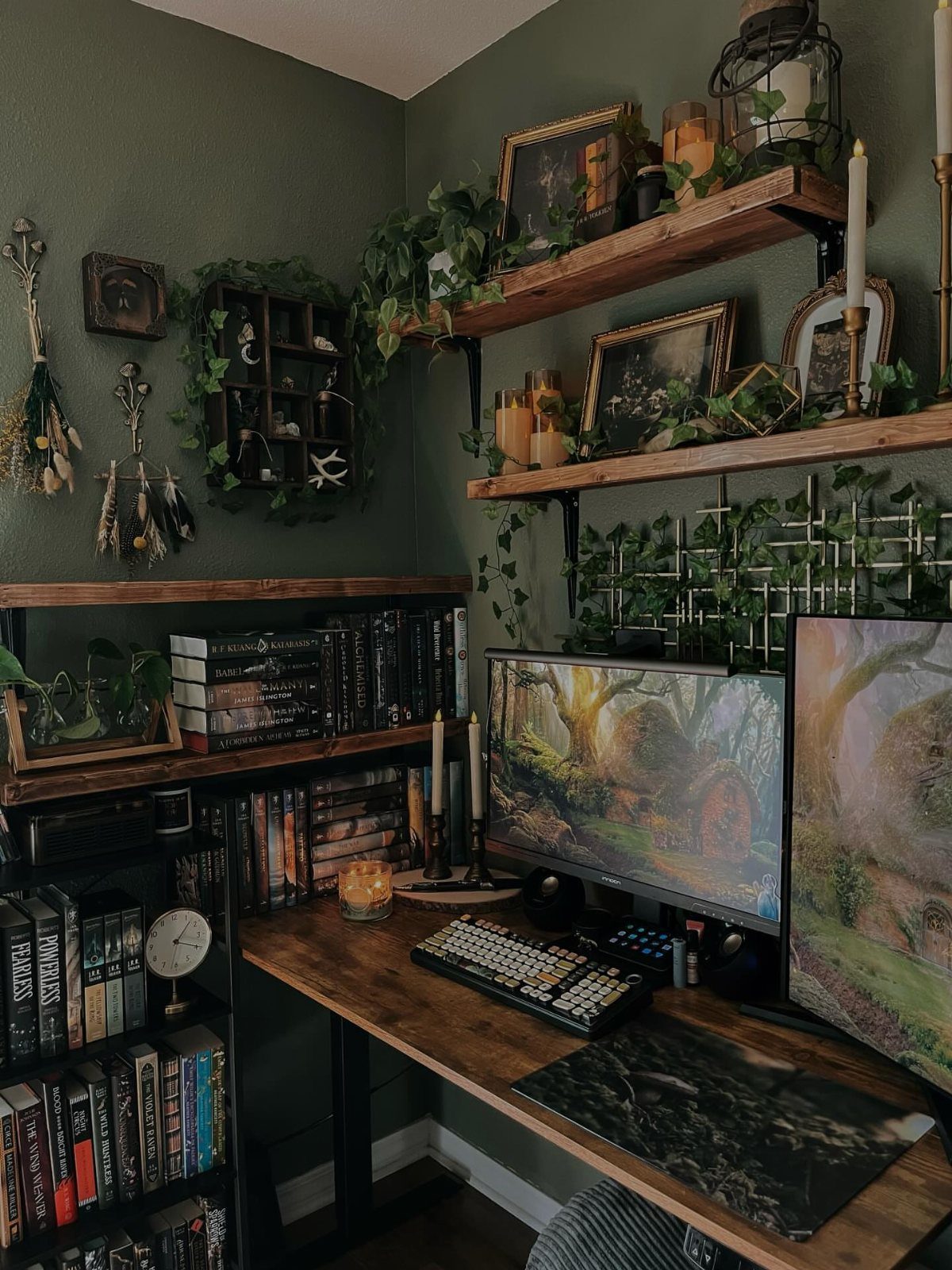
Trailing plants soften the hard edges of monitors and shelves and add green to a room that’s otherwise all screens and cables. The ivy in this setup drapes from floating shelves and adds texture while leaving the desk clear.
Pothos and philodendron both trail and tolerate low light if your room doesn’t get much sun. Set them on shelves above your setup and let them hang.
Water them when the soil feels dry an inch down. Dust the leaves every few weeks so they can breathe.
20. Closet Nook Gaming Setup
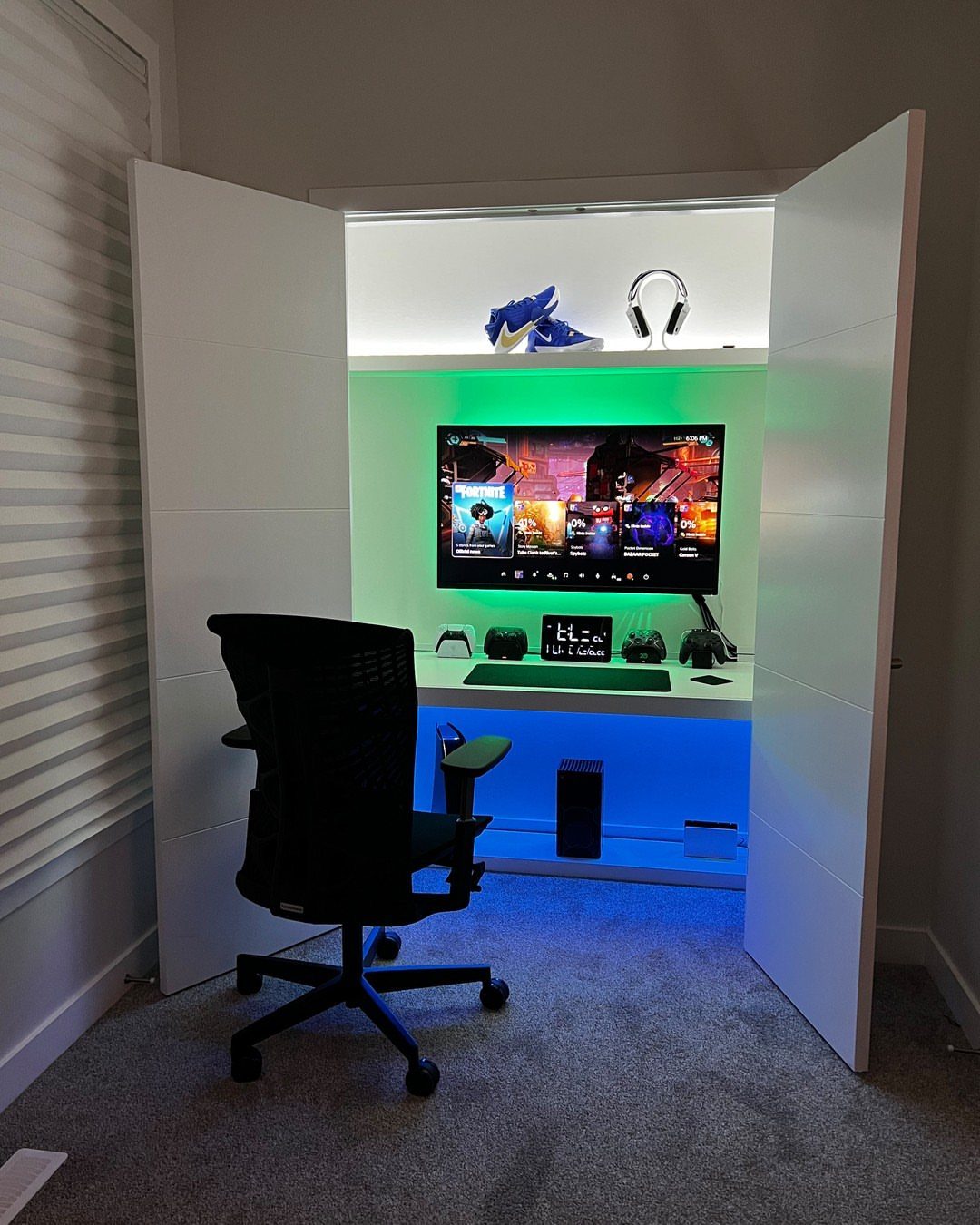
Building your setup inside a closet nook turns unused space into a dedicated gaming station and keeps everything contained when you close the door.
The white shelving in this one holds gear and sneakers above the monitor, and LED strips light the whole interior.
Remove the closet doors if they’re in the way, or leave them on and close them between sessions.
Run your cables through a hole in the back wall if you can, or tape them along the edge where the wall meets the floor.
Most closets give you enough depth for a compact desk and a chair.
21. Starry Night Ceiling
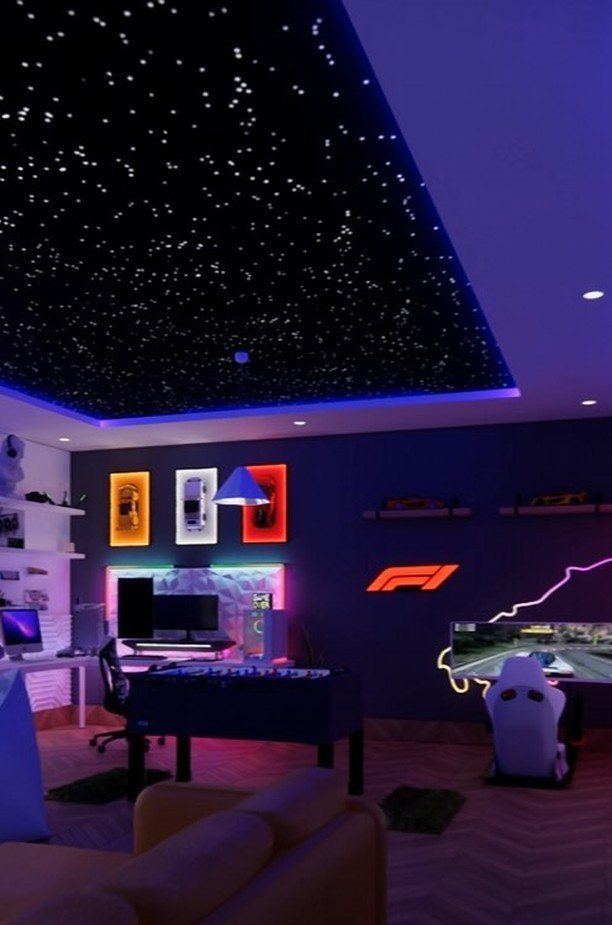
Fiber-optic ceiling panels create a starry night effect overhead and turn a plain ceiling into something worth looking at.
The small points of light mimic stars, and the blue perimeter lighting in this room frames the effect without washing it out.
Panels install on the existing ceiling with adhesive backing or a drop-ceiling frame. Each fiber strand carries light from a central projector box.
The effect works best in a dark room. Pair it with dim ambient lighting around the edges so the stars stand out.
22. Cloud LED Ceiling
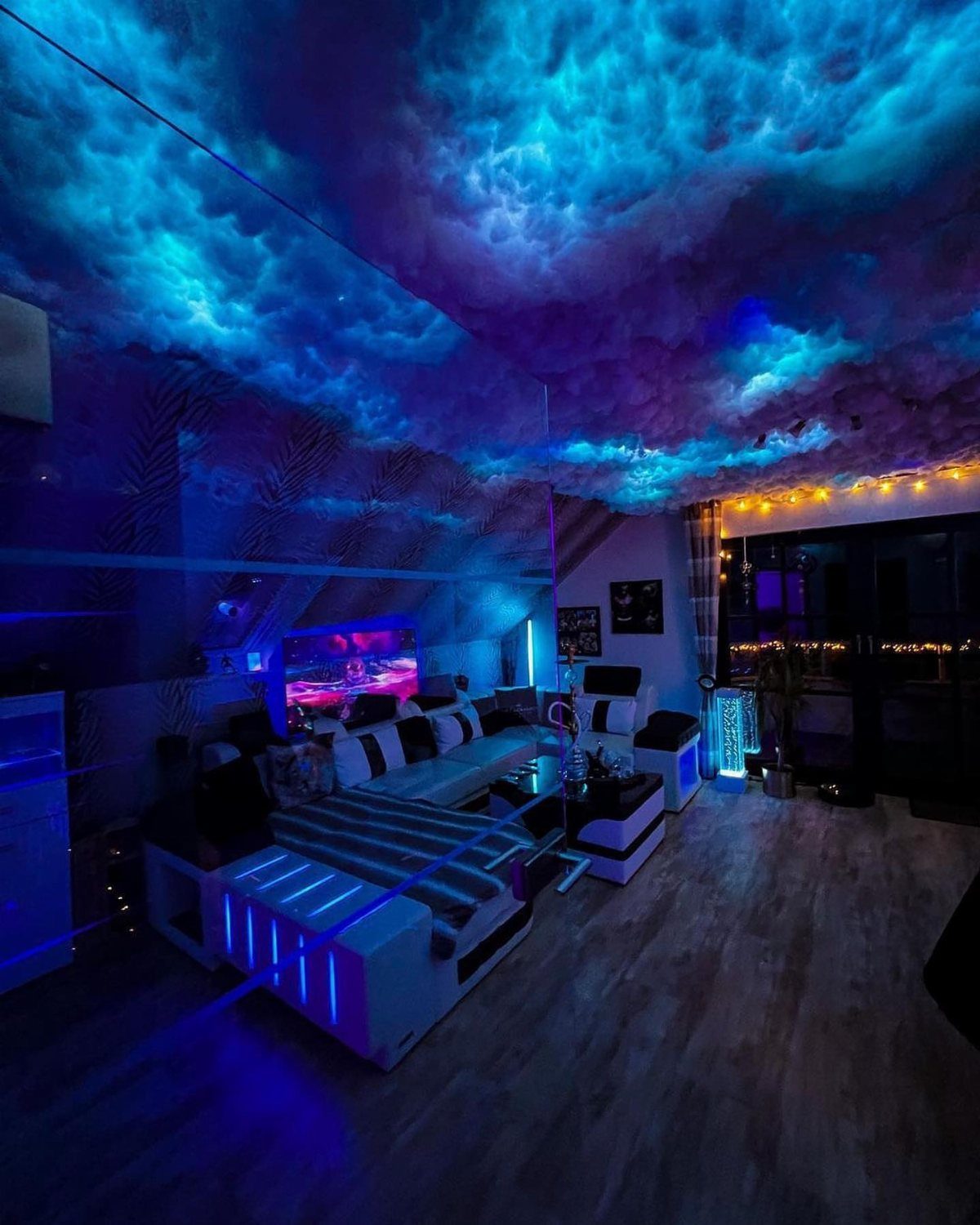
Cloud panels mounted to the ceiling and backlit with LED strips create a soft, textured canopy that diffuses light across the room. The blue and purple glow in this setup feels immersive without the harshness of direct overhead lighting.
The clouds are foam or polyester fill shaped and attached to a backing panel.
LED strips sit behind them and wash the surface with color. Most kits let you change the color from an app or remote.
Mount the panels to the ceiling with adhesive or screws. Space them unevenly so the clouds look natural instead of gridded.
23. Dual-Screen Console Setup
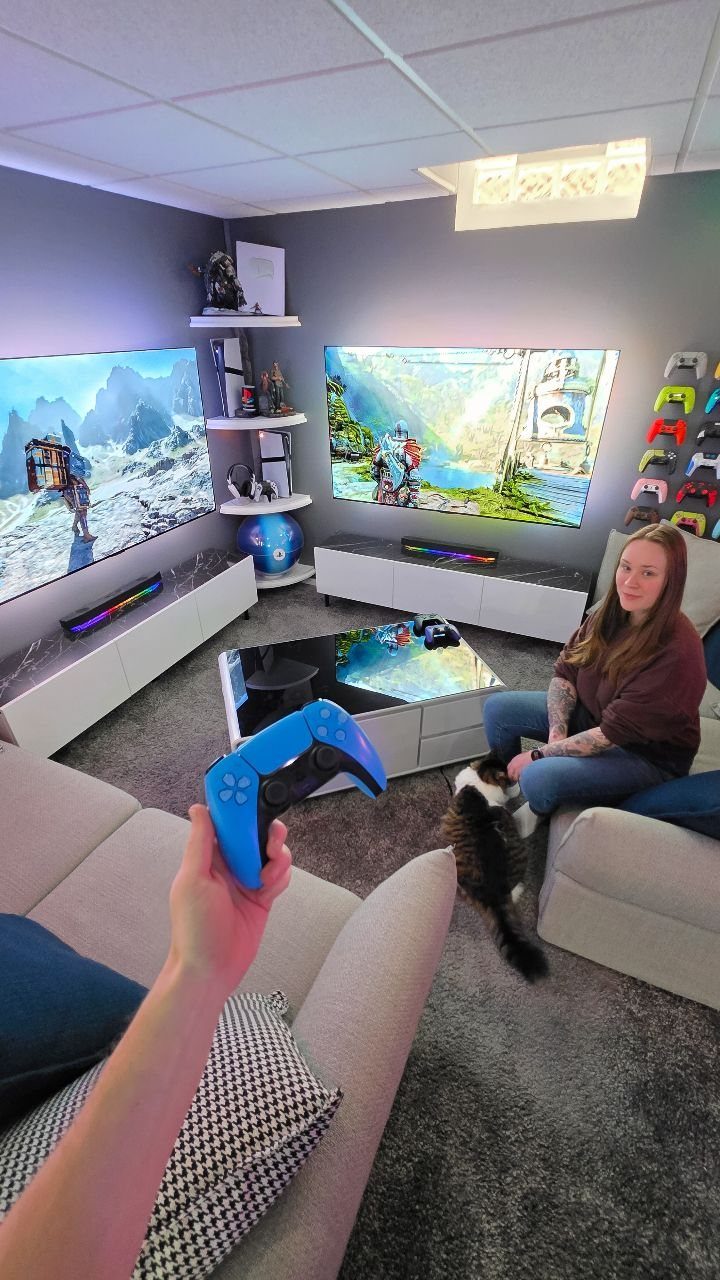
Two screens side by side let players game at the same time instead of splitting one screen or fighting over the TV.
The wall-mounted setup in this room keeps both screens at the same height, with white media consoles underneath for storage and consoles.
Mount both TVs with the same bracket model so they align. Leave a small gap between them or butt them edge to edge if the bezels are thin.
Each screen needs its own console or input source. Route the cables through the wall or down the back of the console to keep them out of sight.
Cable Management Solutions
Cable sleeves bundle multiple cords into one covered tube and keep them from tangling behind your desk. Adhesive clips stick to the underside of your desk and route individual cables along the edge where they won’t show.
Mounting a power strip on the underside of your desk keeps the cords short and grouped in one spot.
Zip ties cinch bundles together at intervals and hold everything tight. Cut the tail flush after you fasten them so nothing snags.
Wireless peripherals cut down on the number of cables you have to manage in the first place. A wireless mouse and keyboard leave you with fewer runs to hide and give you more room to move.
Wall-mounted channels cover cables that run up the wall to a mounted TV or shelf. Adhesive clips hold cables in place with no hardware; desk grommets let you drop cables through the surface and route them underneath.
Lighting & Atmosphere
Stick them along the back edge so the light spills onto the wall instead of pointing forward.
Some strips sync with your gameplay and flash when something happens on screen. The effect adds immersion but can distract during fast games, so test it before you commit.
Set the brightness low enough that the glow complements the room instead of washing out your screen. Harsh lighting strains your eyes during long sessions and makes it harder to see dark scenes in games.
Strips that change color let you match the mood to the game or the time of day. Cool tones feel focused; warm tones soften the room when you’re winding down.
Ambient lighting works best when it sits in the background and doesn’t pull your attention away from the screen.
Comfort and Ergonomics
Adjustable lumbar support pushes into the small of your back and keeps your spine aligned when you sit for hours. Chairs without it let you slouch, and that wears on you faster than a hard game does.
Adjustable armrests let you set the height so your shoulders stay relaxed and your elbows rest comfortably. Fixed arms either sit too high or too low, and you end up compensating with your neck and shoulders.
A desk at the right height keeps your wrists straight when you type or use a mouse.
If the desk is too high, your shoulders hike up; too low and you lean forward. Adjustable desks let you dial in the fit.
A mesh-back chair or one with ventilation channels matters if your room runs warm or you game through the afternoon.
Comfort isn’t extra. It’s what lets you focus on the game instead of your back.